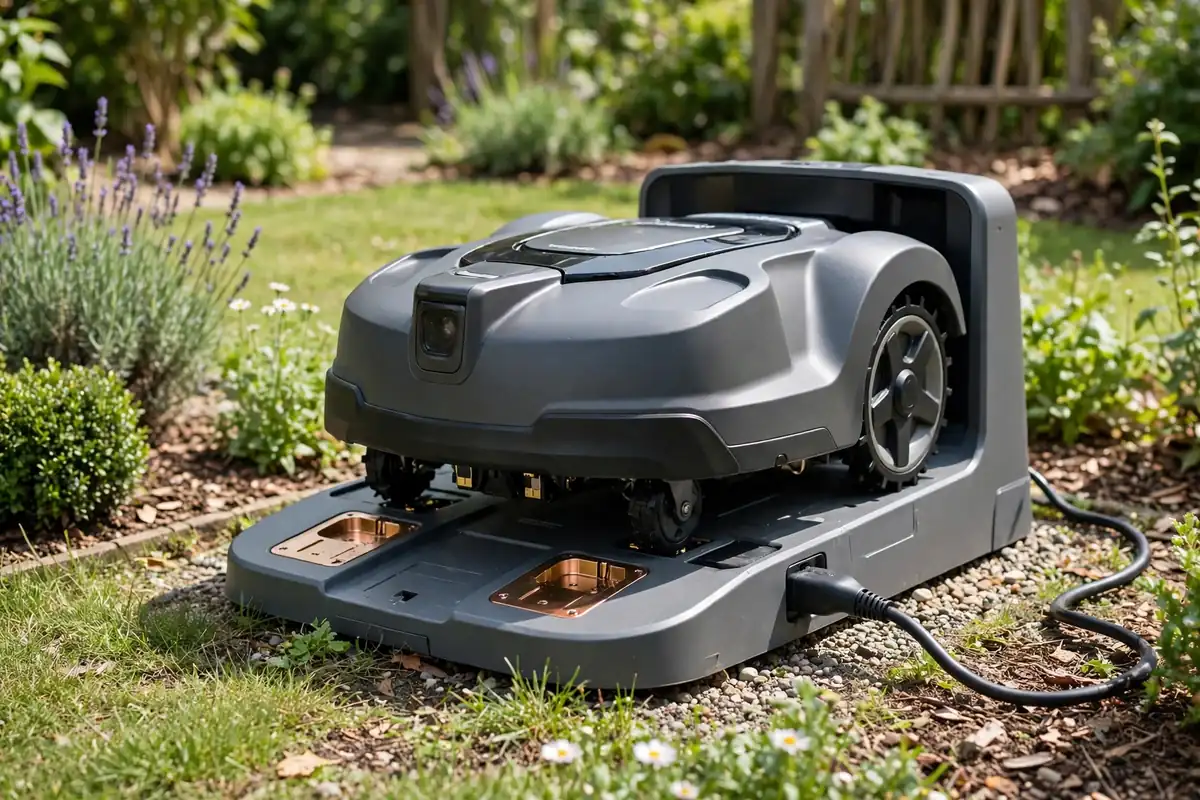
A robot mower not charging is frustrating, especially when it worked normally the day before. In most cases, the cause is not a failed battery. It is more often a problem with the power supply, the mower’s position on its dock, dirty charging contacts, cold or hot weather, or a message on the mower or app that points to a specific fault.
Start with the simplest checks: confirm power is reaching the dock, the mower is sitting squarely on it, and the contacts are clean and dry. Switch the mower off and disconnect it according to your manual before cleaning, moving, or inspecting it. Do not open the battery compartment or attempt an electrical repair yourself.
Robot Mower Not Charging: Common Reasons
A robotic mower charging problem can come from several parts of one system. The mower, charging station, power supply, and cable must all work together, so a fault in any one can stop charging. Work through the causes below in order before assuming the battery has failed.
| Possible cause | What you may notice | First safe check |
|---|---|---|
| No power to the dock | No light on the station | Check the outlet, plug, and power supply |
| Poor dock alignment | Mower stops short or sits at an angle | Place it on the dock by hand; clear obstructions |
| Dirty or wet contacts | Charging starts and stops | Clean the contacts after switching the mower off |
| Extreme temperature | Mower refuses to charge in cold or heat | Let it reach a normal temperature in shelter |
| Worn battery | Short run times, then failure to charge | Note its age, run time, and any battery warning |
| Faulty cable or power supply | Intermittent charging or no power | Inspect the cable; test the outlet |
Start With a Safe Power Check
First ask whether power is reaching the charging station at all. A loose plug, a tripped outdoor outlet, or a damaged cable is a common and easily missed cause. Look for the charging station light, which shows when power is connected.
If the light is off, check that the plug is fully seated in the outlet and in the charging station. If the outlet is controlled by a switch, make sure the switch is on. If it has a ground fault circuit interrupter (GFCI), check whether it has tripped and reset it only if you know it is safe to do so.
If another device works in that outlet, the fault may be in the robot mower power supply or cable. If none does, leave any wiring work to a qualified electrician. Inspect the cables without pulling or bending them, looking for cuts, crushed sections, chew marks, or water damage. Do not use a visibly damaged cable or tape over damage. Replace parts only with ones recommended for your model, and check that the dock is stable, level, and not being pulled out of position by its cable.
Check Dock Alignment and the Charging Station
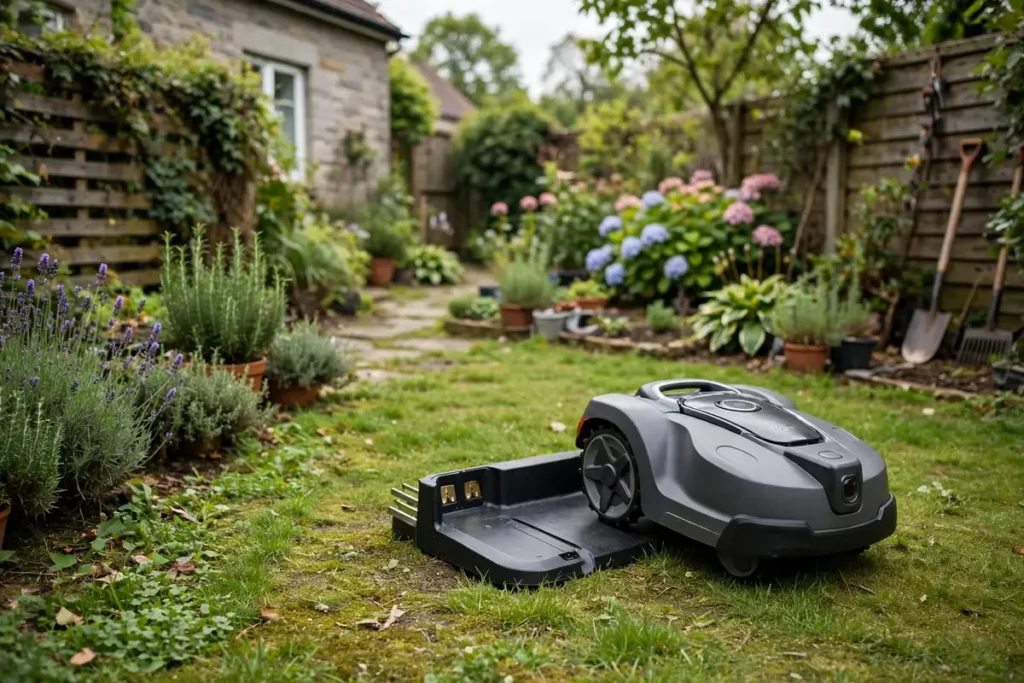
A robot mower charging station issue is often a positioning problem rather than an electrical fault. The mower must meet the dock at the right angle and press its contacts firmly against the dock contacts. If it stops short, parks at an angle, or is blocked by grass, leaves, or a stone, charging may not start.
Watch it return if safe: repeated attempts can point to a blocked approach, a guide signal problem, or a shifted dock. Clear the area around the dock, trim long grass that could lift the mower, and remove leaves, twigs, mud, and stones.
If it is already on the dock but not charging, switch it off, lift it carefully, and place it back by hand, centred with the contacts lined up. If hand placement works but automatic docking fails, alignment, a guide signal, or a sensor is more likely than a dead battery. Do not force the mower onto the dock or wedge anything under it.
Clean the Robot Mower Charging Contacts
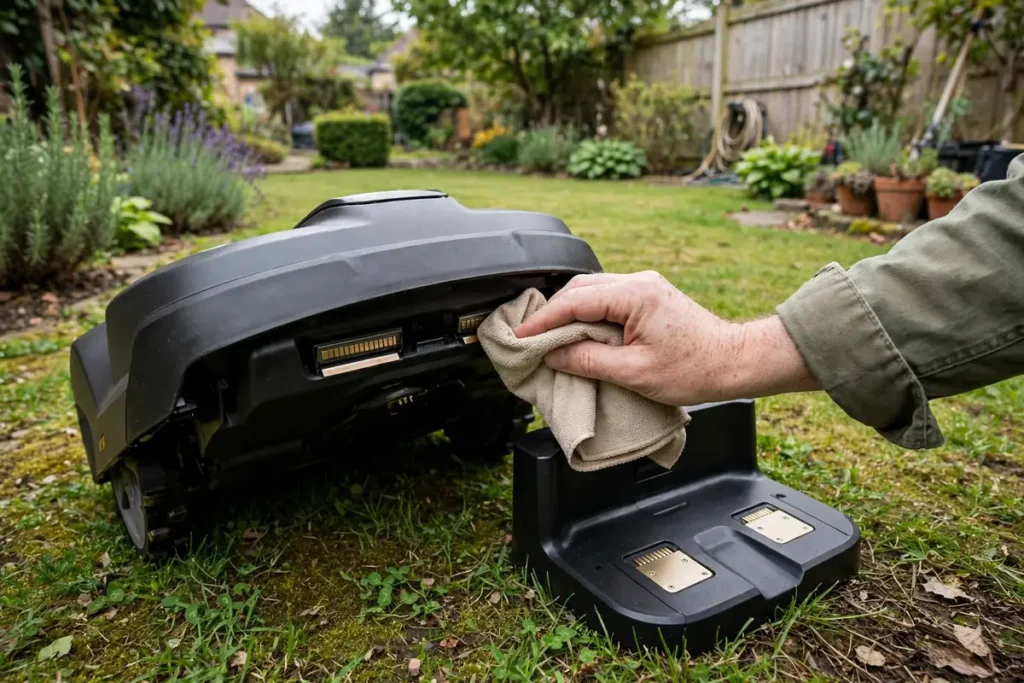
Dirty robot mower charging contacts are a common cause of intermittent charging. Grass, soil, sap, corrosion, and moisture can build up on the metal strips on the mower and dock, and even a thin layer can stop charging.
Before cleaning, switch the mower off and disconnect the charging station from power, following your manual. Never clean contacts while the mower is running or power is connected. Use a soft, dry cloth on the contacts on the mower and dock. For stubborn dirt, use a lightly dampened cloth, then dry the contacts fully before reconnecting power.
Do not use harsh chemicals, abrasive pads, or a pressure washer, and do not scrape the contacts with a metal tool. A bent, loose, pitted, or heavily corroded contact may need professional attention. Also check for packed grass or mud under the mower that could lift it and reduce contact pressure, cleaning only as your manual describes and keeping your hands clear of the blades. After cleaning, reconnect power and place the mower on the dock.
Read the Indicator Lights and App Messages
Many mowers give you a useful clue. A flashing light, a colour change, an error code, or an app message can narrow a robotic mower charging problem to power, temperature, alignment, or battery condition. Check the charging station light first: a steady light often means power is present, while a flashing or absent light can point to a power or dock fault.
Then check the mower for a charging symbol, battery level, or warning, and check the app if your mower has one. Write down the exact message or code and look it up in your manual or the manufacturer’s support pages for your model. Do not guess what a code means, or clear a warning repeatedly without fixing the cause. If the manual describes a simple reset, follow it exactly; if not, contact support.
If the mower shows no lights and does not respond, it may have run completely flat. Place it on the dock, confirm the dock has power, and allow time for it to show a sign of life. If nothing changes after the period in your manual, a mower that stays unresponsive needs a professional check.
Temperature Can Stop Charging
Temperature is easy to overlook. Many robot mowers protect their batteries by refusing to charge when it is too cold or too hot — normal behaviour in many models, not necessarily a fault. Cold weather can slow or stop charging, especially after a frosty night.
If it has been outside in the cold, bring it into a sheltered, dry place if your manual allows it, and let it warm up gradually before charging again. Do not use a heater, hair dryer, or hot water. Hot weather can have the same effect: a mower or dock in direct sun may become too warm to charge safely, so move the dock to shade if possible, or wait until the temperature drops. Do not cover the mower while it is charging. If charging resumes in normal temperatures, the problem was likely temperature protection.
When a Mower Battery Not Charging Points to the Battery
A mower battery not charging does not always mean the battery is dead, but the battery becomes more likely as the mower gets older or its run time falls. Look at how it has behaved over the past few weeks: has it cut for shorter periods, returned to the dock more often, or stopped in the middle of the lawn?
A gradual fall in run time can point to a battery losing capacity, while a sudden failure after normal use is more likely to point to power, contacts, or a dock fault. Storage matters too: a battery left flat, stored in very cold or hot conditions, or left unused for months without the care in your manual can lose capacity. Do not try to revive it by charging it in a way the manufacturer does not recommend.
Do not open the battery, puncture it, or charge it with another charger, and do not bypass a fuse, safety switch, or other protection device. These actions can cause fire, injury, or further damage, and may void your warranty. If you suspect the battery, note the mower’s age, model, run time, and any warnings, then contact support or an authorised service provider about testing and replacement.
When to Contact Support
Contact the manufacturer or an authorised service provider when you have checked power, alignment, contacts, indicators, and temperature, and the mower still will not charge. Contact support sooner if you see smoke, a burning smell, swelling, leaking, or unusual heat, or if a cable, plug, or dock is damaged. Then switch the mower off, disconnect power if safe, move away from any smoke or smell, and do not use it again until it has been checked.
Before you call, gather the model name and number, the mower’s approximate age, what you have already checked, and the exact wording of any error message. Keep your proof of purchase and warranty details nearby, and do not attempt a repair yourself if the mower is still under warranty.
Conclusion
A robot mower not charging usually has a simple cause, and a careful check in the right order will find it in many cases. Confirm power to the dock, check alignment, clean the contacts safely, and read the lights and messages on the mower. If the mower starts charging again, watch it for the next few cycles: a returning problem may point to a worn contact, a shifting dock, or a battery nearing the end of its life. If it still will not charge, or you see damage or overheating, stop and contact support.
Frequently Asked Questions
Why is my robot mower not charging even though the dock light is on?
A lit dock does not always mean the mower is making good contact. Check alignment, clean the robot mower charging contacts, and place the mower on the dock by hand. If it still does not charge, check the app or manual for an error message, and consider temperature or battery condition.
How do I know if the problem is the battery or the charging station?
Look at the pattern. If it docks well and power is reaching the dock, but run times have been falling for weeks, the battery is a stronger suspect. If charging is intermittent, the dock light is off, or hand placement fixes it, the charging station, cable, or alignment is more likely.
Can cold weather stop a robot mower from charging?
Yes, in many models. Cold can trigger battery protection that pauses charging until the mower warms up. Let it reach a normal temperature in a sheltered, dry place, then try again. Do not use direct heat, and follow the temperature guidance in your manual.
How often should I clean the charging contacts?
Check them regularly, and clean them more often after wet, muddy, or dusty mowing. Switch the mower off and disconnect power first, wipe the contacts with a soft, dry cloth, and dry them fully if you use a damp cloth. Do not use abrasive tools or harsh chemicals.
Should I replace the battery myself?
No, unless your manual specifically describes a user-replaceable battery and you are comfortable following those steps exactly. Do not open a sealed battery, bypass safety protections, or use a charger that was not supplied or recommended for your model. If unsure, ask the manufacturer or an authorised service provider.