Robot mower battery maintenance is mostly about following your manufacturer’s instructions for charging, storage, and inspection — and noticing early when the battery no longer performs as it used to. There is no single routine that fits every mower, because battery types, charging systems, and storage guidance vary by model. In practice, use the charger and station supplied with your mower, keep the contacts clean and dry, store the mower as your manual directs, and watch for shorter run times, swelling, damage, or charging problems.
Before any hands-on maintenance, switch the mower off and disconnect it from power according to your manual. That usually means turning off the main switch, removing the mower from the charging station, and unplugging the station if you are cleaning or inspecting it. Never open a battery, puncture it, or try to repair it yourself, and do not bypass a safety feature to keep a faulty mower running. If a battery is swollen, leaking, very hot, damaged, or smells unusual, stop using it and follow your manufacturer’s safety guidance.
What robotic mower battery care involves
Robotic mower battery care covers charging, storage, inspection, and replacement. Charging means using the right charger and dock, keeping contacts clean, and letting the mower complete its normal charging cycle. Storage means choosing a suitable place for the mower when it is not in use, especially over winter. Inspection is a quick visual and performance check. Replacement means recognising when the battery has reached the end of its useful life and handling the old one safely.
You do not need special tools for most of this: a soft cloth, a soft brush, and your manual are usually enough. It also helps to know what is normal for your mower, including roughly how long it usually mows before returning to dock. Run time is also affected by lawn size, grass height, slopes, and temperature, so look for a pattern over several sessions in similar conditions before concluding that the battery is the problem.
Robot mower battery maintenance starts with charging habits
Your robot mower charging habits have the biggest day-to-day effect on the battery. In most cases, the correct habit is simply to let the mower use its charging station as designed: it returns to the dock when its charge is low, recharges, and resumes mowing if its schedule requires it. Use only the charger and station supplied with your mower, or a replacement approved by the manufacturer. Chargers are not interchangeable just because a plug fits, and an unapproved charger can damage the battery or mower and may affect your warranty.
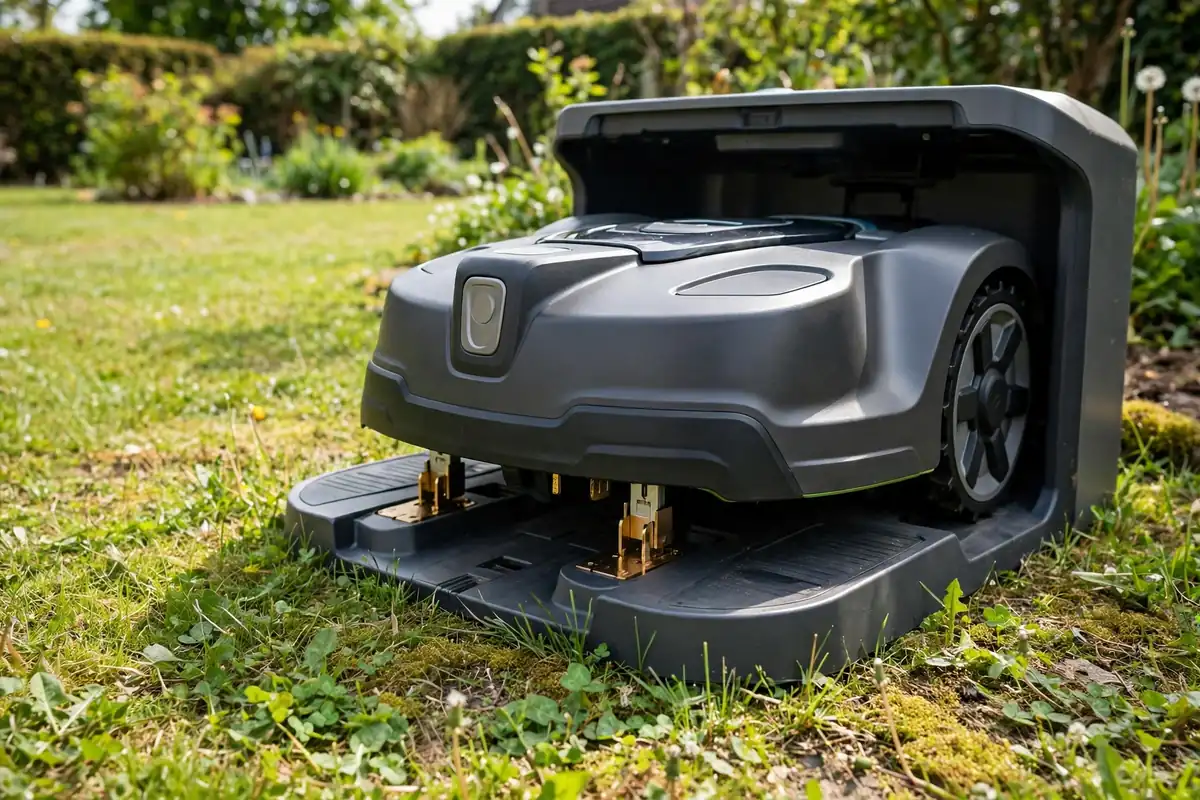
Keep the charging contacts on both the mower and the station clean. Dirt, grass, and corrosion can cause slow charging, failed docking, or the mower stopping mid-lawn. With the mower switched off and the station unplugged, wipe the contacts gently with a dry, soft cloth, using a slightly damp cloth only if your manual allows it, then dry them thoroughly. Do not use abrasive materials, solvents, or a pressure washer.
If the mower will not charge, check the simple causes first: that the station has power, its plug and cable are undamaged, the contacts are clean and dry, and the mower is correctly aligned. Note what happens — whether it reaches the dock, shows a charging symbol, or shows an error code — because that detail helps the manufacturer or dealer diagnose the fault. Do not open the mower or battery, and do not keep charging a battery that is damaged, swollen, or leaking.
How to care for a lithium ion mower battery
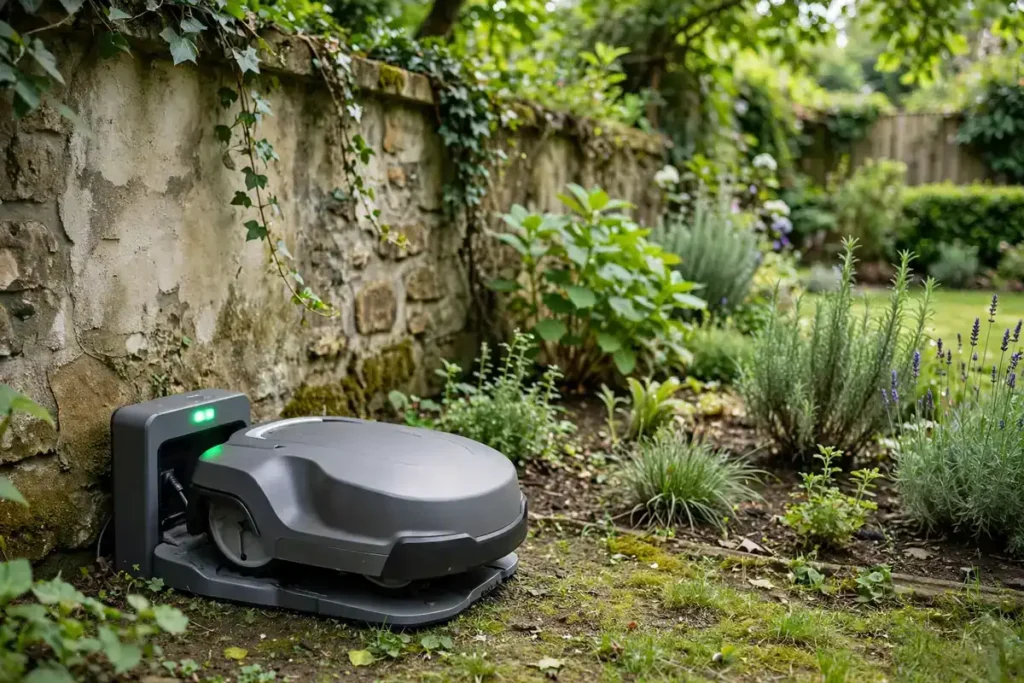
Most modern robot mowers use a lithium ion mower battery, although some older or smaller models may use a different type. Your manual will state which type your mower uses and whether the battery is user-replaceable. On some models you can replace it yourself by following the manual; on others, replacement should be done by an authorised service centre.
Keep the battery dry, protect it from knocks and drops, and do not expose it to fire or extreme heat. Do not store loose metal objects near the terminals. The safe temperature range is not the same for every mower, so follow the operating and storage temperatures in your manual, and avoid charging or storing a battery in very hot or cold conditions, in direct sunlight, or in a damp place. Never try to warm a battery quickly with a heater or hair dryer.
Robot mower battery storage and seasonal storage
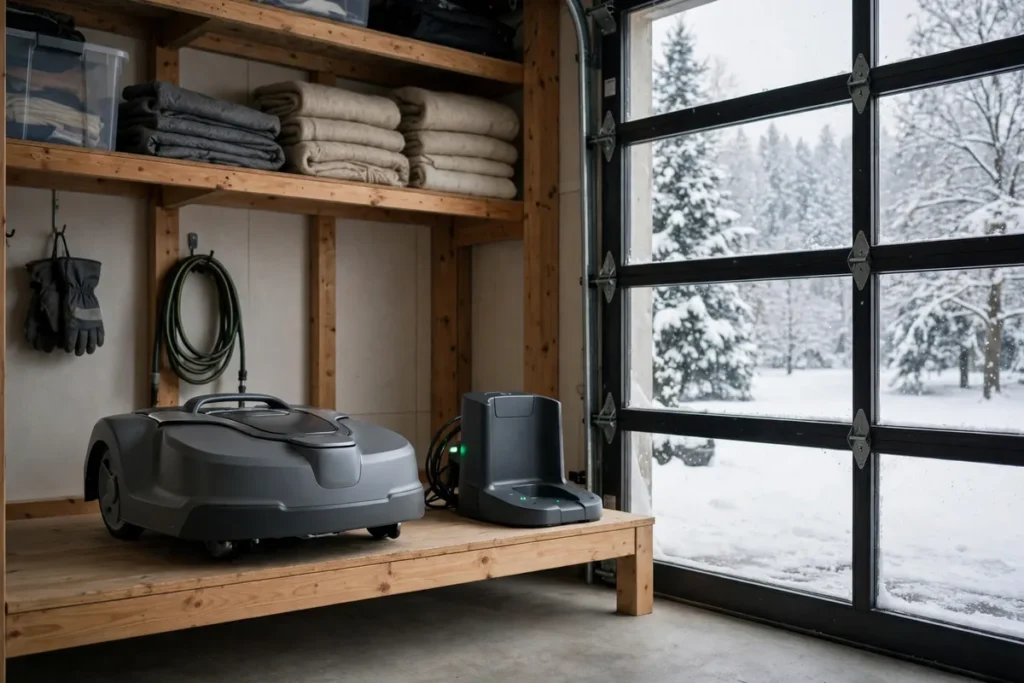
Robot mower battery storage matters most when the mower will not be used for weeks or months, usually over winter. Read the winter storage section of your manual before the season ends, rather than improvising when the grass stops growing. Clean the mower, let it dry, and store it in a dry place protected from frost and damp if your manual recommends that.
Some manufacturers advise removing the battery for winter storage, while others advise leaving it in the mower, and some advise charging it before storage or checking it during a long break. Follow the instructions for your model. When you bring the mower back into use, inspect it for damage, clean the contacts, and run a short session first.
Inspecting the battery, contacts, and charging station
A quick check every few weeks during the mowing season is usually enough, with a more thorough check when you clean the mower or prepare it for storage. Always switch the mower off and disconnect it from power according to your manual first. Look for cracks, swelling, discoloration, or leaking around the battery compartment, without opening anything you should not open. Check the contacts for dirt and corrosion, and check the station cable and plug for cuts or fraying.
Also watch performance: note roughly how long the mower runs before recharging and whether that time is getting shorter. A single short run is not proof of a failing battery, but a steady decline in similar conditions is worth investigating. Check simpler causes first — dirty contacts, a moved station, thicker grass, or a blade that needs replacing. If you find damage to the battery, cable, or station, stop using the mower and follow your manufacturer’s guidance.
Signs the battery is ageing and may need replacing
Robot mower battery lifespan is not a single number that applies to every mower. How long a battery lasts depends on the model, battery type and capacity, how often the mower runs, the size and difficulty of the lawn, the climate, and how it has been charged and stored. Manufacturers sometimes give an indication of expected life for a particular model, but treat any general figure you see online with caution and use your own mower’s performance as the guide.
The most common sign of ageing is shorter run time: the mower returns to the dock more often, covers less lawn per session, or takes longer to complete its schedule. It may also take longer to charge, or show a full charge and then run down quickly. Other signs need immediate attention: swelling, leaking, an unusual smell, or becoming very hot during charging or use, and a mower that will not hold a charge or shows repeated battery errors after you have cleaned the contacts. When you need a replacement, use only the battery type specified by the manufacturer.
Safe disposal and recycling of an old battery
An old robot mower battery should never go in household waste, and it should never be put in a fire or left where it could be crushed. Lithium-ion batteries and other mower batteries need to be recycled through a proper battery recycling route, because they can be a fire risk if damaged and because they contain materials that can be recovered. Your manual, local council, or retailer should be able to tell you where to take a used battery in your area.
Before disposal, follow your manufacturer’s instructions for preparing the battery, including removing it only if the manual says it is user-removable and protecting the terminals. Do not open or puncture it, and do not try to drain it yourself. If it is damaged, swollen, or leaking, keep it away from flammable materials and seek advice on safe transport. If the battery is not user-replaceable, do not try to remove it; take the mower to an authorised service centre or recycling point.
A simple battery maintenance checklist
| When | What to do |
|---|---|
| Every few mows | Clear debris from the dock; wipe dirty contacts with a dry, soft cloth |
| Monthly in season | Note run time and any new charging errors; check cables, plug, and station |
| Before winter storage | Clean and dry the mower; follow your manual’s storage instructions |
| During storage | Check the battery at the interval your manual advises, if it advises checks |
| After storage | Inspect for damage, clean contacts, and run a short test mow |
| When replacing | Use the manufacturer’s specified battery; recycle the old one |
Conclusion
Good robot mower battery maintenance is not about special techniques. It is about using the supplied charger and station, keeping the contacts clean, storing the mower as your manual directs, and paying attention to run time and charging reliability. When the battery starts to age, the signs are usually clear: shorter runs, more frequent returns to the dock, longer charging, or repeated errors. Do not ignore swelling, leaking, overheating, or damage, and do not try to open or repair a battery yourself. Replace it with the type your manufacturer specifies, recycle the old one properly, and let your manual take precedence over general advice.
Frequently asked questions
How often should I check my robot mower battery?
Check it briefly every few weeks during the mowing season, and more thoroughly when you clean the mower or prepare it for storage. If run time is steadily falling in similar conditions, check simple causes first, such as dirty contacts or thicker grass, before assuming the battery needs replacing.
Can I leave my robot mower on its charging station all the time?
In most cases, yes, during the mowing season — that is how the mower is designed to be used. Keep the station connected while the mower is in regular use unless your manual says otherwise, and follow the separate storage instructions when it will not be used for a long period.
How should I store my robot mower battery over winter?
Follow the winter storage instructions in your manual, because they vary by model. In general, clean and dry the mower, store it in a dry place protected from frost and damp if your manual recommends that, and follow its guidance on the battery during the break.
How do I know when my robot mower battery needs replacing?
The clearest sign is a steady fall in run time, with the mower covering less lawn per charge or returning to the dock much more often in similar conditions. Longer charging times and repeated battery errors are also signs to investigate. Swelling, leaking, unusual smells, or overheating mean you should stop using the battery.
Can I replace a robot mower battery myself?
It depends on your model. Some mowers have a user-replaceable battery and explain the process in the manual; others require replacement by an authorised service centre. Use only the specified battery type, and do not open or repair a battery yourself.
How do I dispose of an old robot mower battery safely?
Do not put it in household waste or in a fire. Take it to a battery recycling point, or ask your retailer, local council, or manufacturer about a take-back scheme in your area. Do not open or puncture it, and if it is damaged or swollen, seek advice on safe transport first.