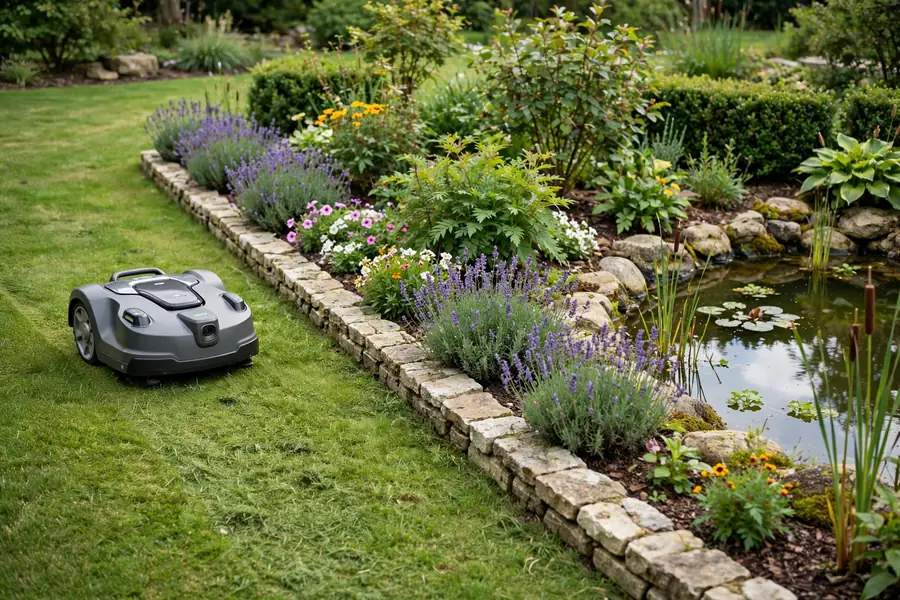
Robot mower no go zones are areas inside your mowing boundary that the mower is told to avoid. In short, decide what needs protection, choose the right method for your mower — a virtual boundary in the app, a boundary-wire island, or a physical barrier — mark the area with a clear margin, then test the mower while you watch it.
A robot mower follows a plan, not judgement. It cannot tell a prized perennial from a weed, or a pond edge from solid lawn. Done well, robot mower restricted areas protect plants, people, and pets.
What Are Robot Mower No Go Zones?
A no-go zone, also called an exclusion zone or a no mow zone, is a closed area inside the outer mowing boundary where the mower should not enter. It differs from the outer boundary, which defines the whole area to be mown.
Common examples include flower and vegetable beds, a pond edge, a tree with exposed roots, a play area, a gravel path, a newly seeded lawn, and a fragile surface such as a thin lawn over a septic cover.
Robot mower obstacle protection is not a substitute for a no-go zone. Sensors and cameras can help a mower turn away from a large, solid object, but they are not designed to protect low plants, soft edges, water, or small objects. Do not rely on sensors alone for a pond, a drop, or a play area.
Before you mark anything, walk the lawn and list every bed, tree, water feature, and play structure.
Robot Mower Virtual Boundaries Versus Physical Barriers
Robot mower virtual boundaries are set in software or with wire. Physical barriers are objects that stop or guide the mower.
| Method | How it works | Best for | Limitations |
|---|---|---|---|
| Virtual boundary in the app | You draw or drive around an area on the map | Wire-free mowers; beds and changing areas | Depends on map and signal |
| Boundary-wire island | A loop of wire is run around an area | Boundary-wire mowers; permanent beds and ponds | Harder to change later |
| Physical barrier | A border, edging, fence, or raised bed blocks the mower | Ponds, drops, play areas, fragile surfaces | Must be firm and high enough |
| Temporary barrier | A removable fence or edging marks a hazard | New seed, repairs, wet patches | Can be knocked over |
Virtual boundaries are flexible and keep the garden looking open, but they depend on the map and positioning. If the map is wrong, the signal is weak, or the zone is too small, the mower may cross the edge. Physical barriers are more direct: a raised bed, solid border, or low fence gives the mower something to turn away from, especially beside water or a play area. A thin fence or low stone the mower can climb may not stop it. Often the strongest protection combines the two.
How to Create Robot Mower No Go Zones Step by Step
Steps depend on whether your mower uses a wire-free map, boundary wire, or both. Read the manual first.
1. Plan the areas and leave a margin
Do not draw a zone tight against plants, water, or play equipment. Leave a margin so the mower’s wheels stay clear. For a tree, include exposed roots and low branches. For a bed, include the edging and plants that spill over it.
2. Create the zone in the app for a wire-free mower
For most wire-free models, create the zone during mapping or by editing the saved map in the app. You usually draw it on the map, or drive the mower around the area. Follow the manual, work slowly, and keep the shape simple.
3. Create a wire island for a boundary-wire mower
For a boundary-wire mower, a no-go zone is usually a wire island: a loop of wire around the protected area, connected back to the main perimeter wire following the manual’s layout. Follow that diagram exactly; a wrong connection can create a gap. Keep the loop simple and secure or bury the wire as the manual allows.
4. Add a physical barrier where the risk is higher
Add a physical barrier when the area involves water, a drop, a fragile surface, children, or pets. A raised bed, firm border, or low fence can give the mower a clear limit. Make sure it is stable and high enough for your model, with no gaps. For a pond, it should prevent the mower from reaching the water even if the virtual zone fails.
5. Test the zone before you trust it
Never trust a new zone until you have watched the mower respect it. Test on a dry day when you can stay nearby, with children and pets out of the area. If it enters the zone, stop it safely, enlarge or move the zone, and test again.
Protecting Flower Beds, Vegetable Beds, and Trees
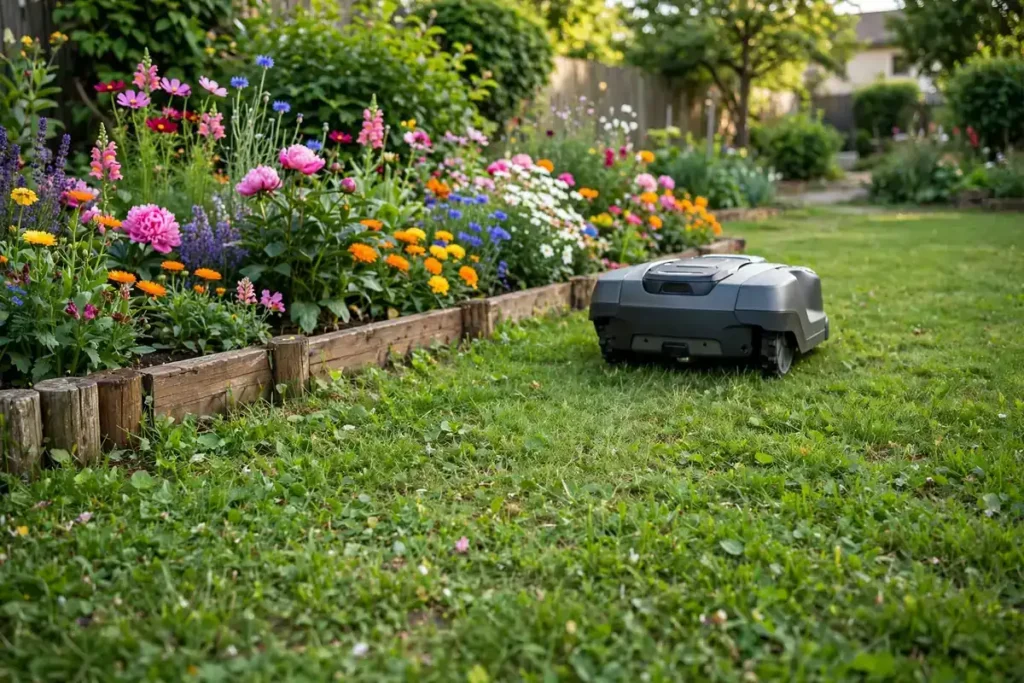
Flower and vegetable beds are the most common reason for robotic mower exclusion zones, and the easiest to get wrong. Low plants can be cut or crushed before a sensor notices them, and mulch can be dragged onto the lawn or clog wheels.
Mark the whole bed, not just the plants you can see. Include the edging, mulch, and plants that overhang the lawn, and leave a margin for turning. For vegetables, also include stakes, supports, netting, and hoses. Trees need a zone when they have exposed roots, low branches, or a mulch ring. Mark a zone around the root area and mulch ring.
Ponds, Water Features, and Wet Areas
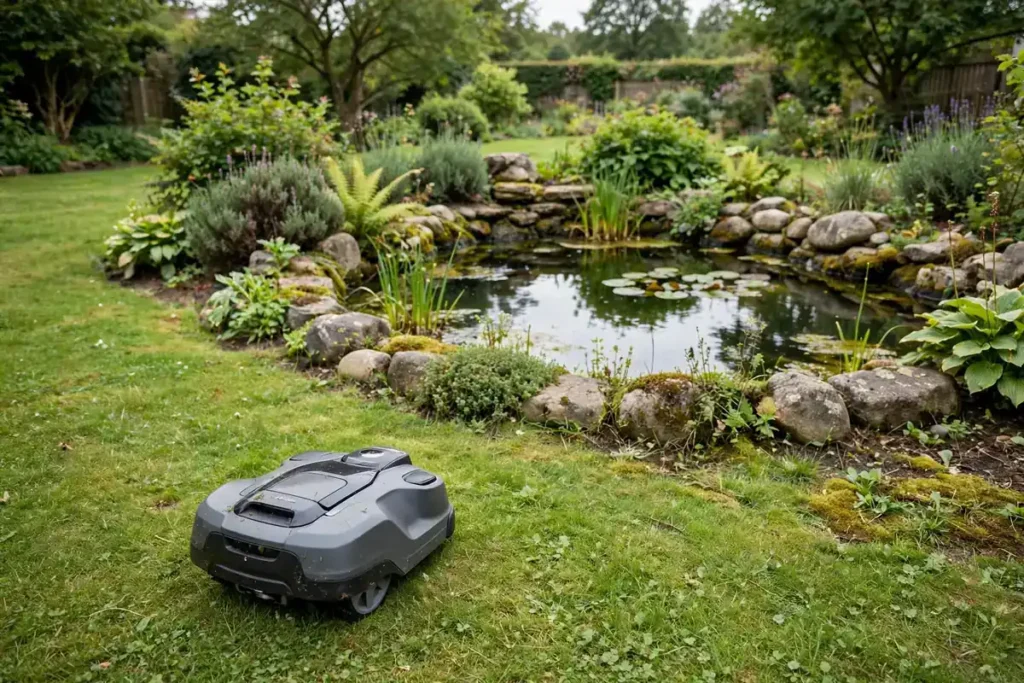
Water is the highest-risk area for a robot mower. A mower that enters a pond can be badly damaged, and water and electricity are a dangerous combination. Never rely on a single virtual boundary for a pond, pool, or steep bank beside water. Use a no-go zone and a firm physical barrier, and test both.
Mark the zone well back from the water’s edge. Include the bank and any soft or sloping ground. Do not leave a narrow strip between the pond and another zone if the mower cannot turn safely there. Keep the mower, charging dock, and power supply away from water. Do not run the mower in heavy rain, standing water, or a flooded lawn unless the manual explicitly allows it.
Play Areas, Children, and Pets
Play areas need a no-go zone to protect the play surface and equipment, and to protect children and pets from the mower. A mower should never run where children are playing. Its blades are sharp, and a child may try to touch it while it is running.
Mark the whole play area, including swings, slides, climbing frames, sandpits, and the safety surface beneath them. Include the swing arc and any loose sand or bark the mower could scatter. Pets need similar protection: a pet bed, run, or food bowl should be inside a no-go zone if it is on or beside the lawn. Pick up pet waste before mowing, and keep pets indoors or in a separate area while the mower is running.
Tell everyone in the household where the zones are and why they exist. Before you lift, carry, or inspect the mower, switch it off and disconnect it according to the manual. Do not bypass a safety switch, lift sensor, or blade guard.
Fragile Surfaces and Temporary Hazards
Some surfaces look like lawn but cannot take a mower’s weight or wheels. A thin lawn over a septic tank cover or a newly repaired patch may sink or crack. A gravel path or a patio with loose slabs can trap a wheel. Newly laid turf needs time to establish before a robot mows it.
Mark these as no-go zones, even if they are small, covering the whole surface plus a margin. For new lawn or a repair, keep the zone in place until the grass has rooted and the surface is firm. A mower crossing a new patch too soon can tear up the turf.
Temporary hazards are often missed because they appear after the map is made. A fallen branch, a hose, or a patch of ice can all become problems. Create a temporary zone in the app if your model allows it, or use a temporary barrier and pause mowing there.
Testing, Maintaining, and Updating Your No-Go Zones
No-go zones are not a one-time setup. A zone that worked last year may be too small now because a plant has grown or a bed has been extended. Test your zones after any change. Look for uncut grass that suggests the zone is too large, and for cut plants that suggests it is too small.
Update your zones when the garden changes. Add a zone when you create a bed, plant a tree, install a pond, or set up a play area. Remove or resize one when you remove a bed or move play equipment. If the mower starts entering a zone it used to avoid, check the map, wire, and signal first. Also check edging and fences for damage.
Conclusion
Creating robot mower no go zones is about deciding in advance what the mower should never enter, then giving it a clear, testable edge. Walk the garden, list the beds, trees, water, play areas, and fragile surfaces, and leave a margin around each one. Use a virtual boundary or a boundary-wire island, add a physical barrier where the risk is higher, and test the mower while you watch it. Keep the zones simple and update them when the garden changes.
Frequently Asked Questions
How do I create no-go zones on a robot mower?
Check your manual first. For a wire-free mower, you usually draw the zone in the app or drive the mower around the area. For a boundary-wire mower, you usually create a wire island. Leave a margin and watch the mower before you trust it.
Can I use a physical barrier instead of a virtual no-go zone?
Yes, and for high-risk areas use both. A firm border, raised bed, or low fence can stop a mower entering a pond, play area, or fragile surface, even if the virtual zone fails. It must be stable and without gaps.
Do robot mowers avoid flower beds automatically?
No, not reliably. A mower may detect a large, solid object, but it cannot reliably tell a flower bed from lawn, or protect low plants and soft edging. Mark the bed as a no-go zone, using a virtual boundary, a wire island, or a physical barrier, and leave a margin for turning.
How do I create a temporary no-go zone for new grass or a repair?
If your app allows temporary zones, draw one around the new grass or repair. If it does not, use a clear temporary barrier and pause mowing there until the grass has rooted and the surface is firm.
What should I do if my robot mower keeps entering a no-go zone?
Stop the mower safely and check the zone where it entered. It may be too small, misplaced, or drawn with a gap. The map may be out of date, the signal may be weak, or a wire may be damaged. Enlarge or move the zone and test it again while you watch.
Should I create a no-go zone around a pond even if my mower has obstacle detection?
Yes. Obstacle detection is not a reliable guard against water. Mark the pond well back from the water’s edge, include the bank and any soft ground, and add a firm physical barrier. Keep the dock and power supply away from water.