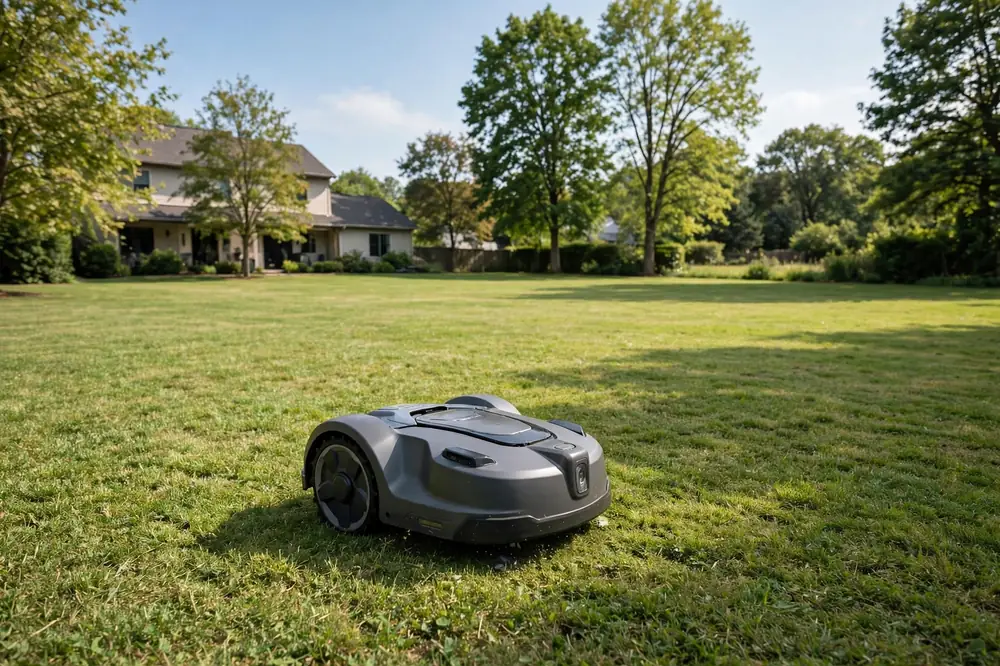
A robot mower losing GPS signal is usually not broken. In most cases, it cannot see enough of the sky clearly, its antenna is blocked, or it has lost the correction signal that makes its position accurate enough to mow in straight lines. A brief dropout in one corner is different from repeated losses across the whole lawn. GPS signals are weak and travel in straight lines, so trees, houses, and garden structures can weaken or block them.
Robot Mower Losing GPS Signal: What It Actually Means
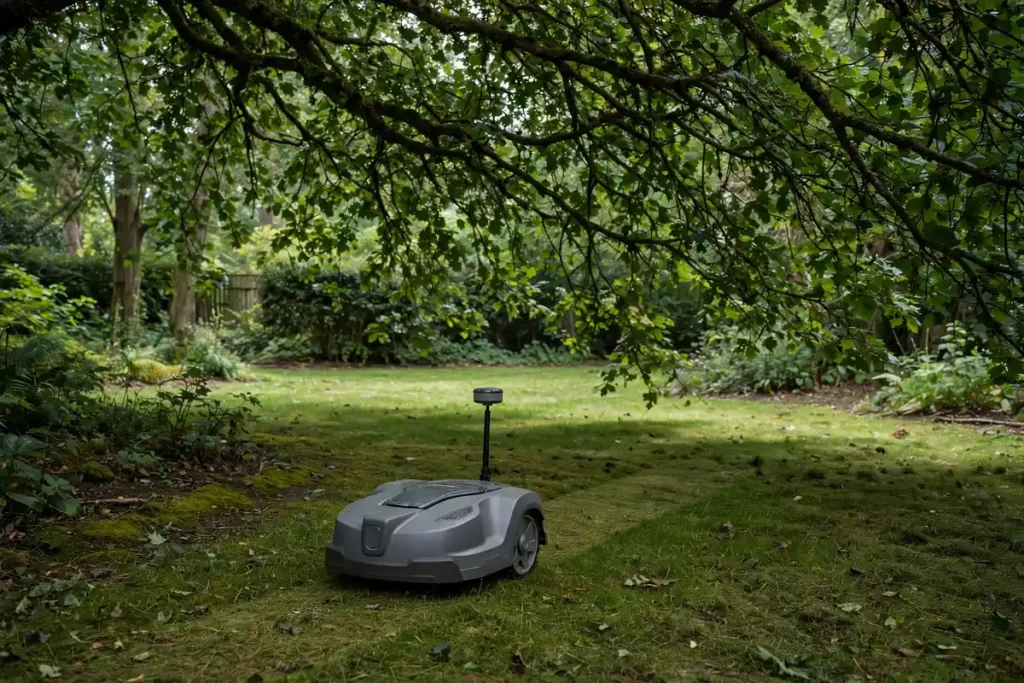
When a mower reports lost GPS, it may have lost contact with enough satellites to work out where it is, or it may know its rough position but not accurately enough to follow a planned path. It may also have a good satellite fix but have lost the correction data that keeps that fix precise. The app may show a warning when the mower is fine but the connection between you and the mower has dropped. Check whether the problem happens in the same place or all over the lawn: a pattern tied to one location points to the yard, while a problem everywhere points to the mower, antenna, reference station, or connection.
GPS-Only, RTK, and App Problems Are Not the Same
Many mowers use GPS alone, while others use GPS plus RTK, which stands for Real-Time Kinematic positioning. RTK uses a fixed reference station to compare its own known position with the satellite signals it receives, then sends corrections to the mower, allowing much more precise GPS mower positioning than GPS alone usually allows. A GPS-only mower needs a clear view of several satellites, and may pause or stop if it loses that view. An RTK mower needs the same view, plus a reliable link to its reference station. If that link is lost, the mower may know roughly where it is but not precisely enough to mow accurately. App problems are different again: the mower may be mowing normally while the app shows it as offline, which usually points to Wi-Fi, mobile data, or Bluetooth range.
Sky Visibility Is the Most Common Cause
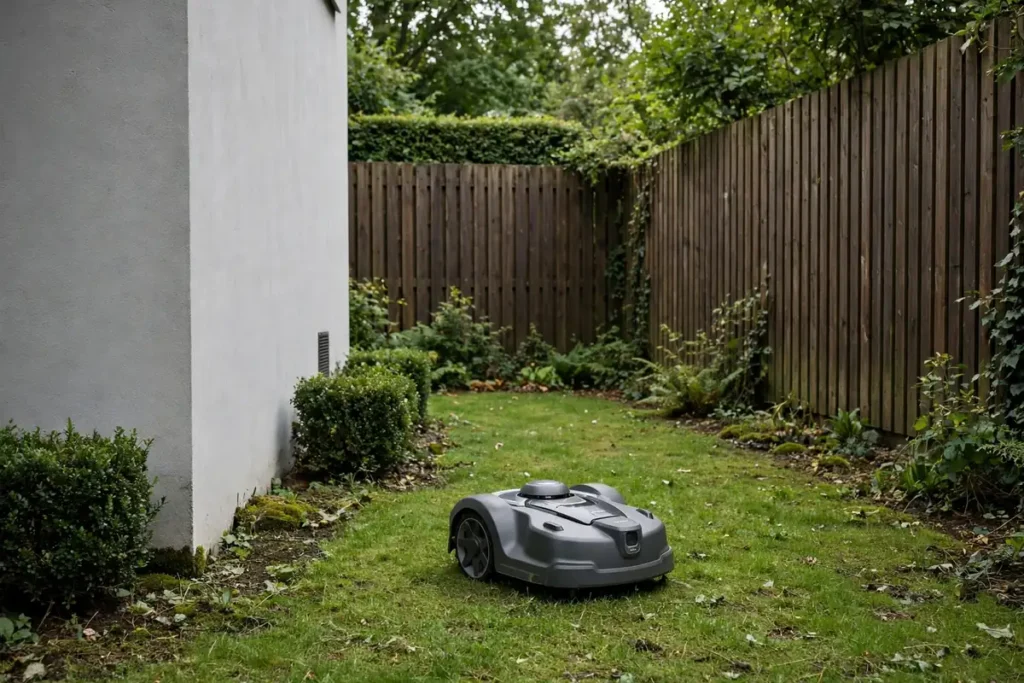
A robot mower needs a wide view of the sky, not just a patch directly overhead, because it uses signals from satellites in several directions to calculate its position. A narrow gap between houses, a yard enclosed by tall fences, or a lawn under a thick tree canopy can leave too few satellites in view, causing a robotic mower GPS signal problem. Trees are a common cause, because leaves, branches, and wet foliage can absorb and scatter satellite signals. A lawn that works well in winter may struggle in summer when trees are in full leaf. Buildings cause a similar problem, and signals can also bounce off hard surfaces such as metal roofs and glass, arriving slightly late and confusing the position calculation. This is sometimes called multipath. Pergolas, carports, and covered patios can also block the signal, as can a dock under a roof overhang or beneath dense shrubs.
Antenna Placement and Obstructions
The GPS antenna is usually on top of the mower or on a raised mast. Anything that covers or interferes with it can reduce robot mower satellite reception. Leaves, grass clippings, mud, or debris on the top cover can block the antenna, especially if it sits under a plastic shell. Clean the top gently according to the manual, and do not open sealed housings or move internal parts unless the manual tells you to. The charging station matters too. If the dock is tucked under eaves, behind a fence, or under a tree, the mower may start each session with a weak fix. A dock in an open, level spot with a clear view of the sky gives the mower the best start. Do not try to improve reception with a metal plate, foil, or an improvised antenna, as these can interfere with the signal or damage the mower.
Reference Stations and RTK Correction Problems
If your mower uses RTK, the reference station is as important as the mower itself. It needs its own clear view of the sky, a stable mounting point, and a reliable link to the mower. If any of those fail, you can get an RTK mower connection issue even when the mower has a good view of the satellites. Start with the station’s location. It should be mounted where the manual recommends, usually high, stable, and in the open, away from walls, metal roofs, and overhanging trees. A station mounted low, indoors, or beside a large metal object may receive a poor signal. A station that moves, even slightly, can also cause problems, because its known position is part of the correction calculation. Next, check the link between the station and the mower, which may be a direct radio link, Wi-Fi, or a mobile or internet connection. Distance, walls, fences, and metal structures can affect a radio link, and a network outage can look like a GPS problem, so check for a network warning as well.
Network Conditions That Can Look Like GPS Loss
GPS itself does not use Wi-Fi or mobile data. The mower receives satellite signals directly. However, many mowers rely on a network for mapping, app control, software updates, and, in RTK systems, correction data. Wi-Fi is a common weak point: a router indoors may give a strong signal at the back door but a weak signal at the far end of the garden. Walls, metal fences, and garden buildings reduce Wi-Fi range. If the mower loses its app connection at the far end of the lawn, Wi-Fi coverage may be the cause, even though the mower still has GPS. Mobile data has similar limits, and Bluetooth is useful only at short range. Check whether the router is working, whether the mower is within range, and whether anything changed recently, such as a new router or password.
Robot Mower Signal Troubleshooting: A Step-by-Step Check
Work through these checks in order, changing one thing at a time so you can tell what helped.
- Observe the pattern. Note where and when the mower loses signal, and whether it happens in wet or dry weather.
- Clear obstructions. Clean the top of the mower and the dock area, and trim back branches over the path only if it is safe to do so.
- Test in open sky. If your manual allows it, let the mower establish a fix in the most open part of the lawn.
- Check the dock and reference station. Make sure the dock is level and in the open, and that the station is firmly mounted, in the open, and powered.
- Check power, software, and the network. Make sure the mower is charged, its software is up to date, and Wi-Fi or mobile coverage reaches the problem area.
- Remap only if advised. A map made when the signal was poor may contain errors, so remap in good conditions only if the manual suggests it.
Be careful around blades, moving parts, and electrical connections. Switch the mower off or use its stop control before cleaning, lifting, or moving it. Do not bypass safety features, covers, or sensors to get the mower working.
Manufacturer Diagnostics and Status Screens
Most GPS and RTK mowers have a diagnostics or status screen in the app or on the mower. This is the most useful tool for GPS mower positioning problems, because it shows what the mower is actually receiving. Look for the number of satellites in view, the signal strength, and the positioning mode. A mower that sees only a few satellites, or sees them weakly, has a reception problem. A mower that sees many satellites but still reports poor accuracy may have a correction or interference problem. Some apps also show the reference station status, correction age, and network status. If corrections are old or missing, the mower’s position may drift even if the satellite count looks good. Note the values when the mower is working well and when it fails, and note any exact message or error code from a diagnostic routine run as the manual describes.
When the Yard Itself Is the Limit
Some yards are difficult for GPS mowing, even with a well-placed mower and reference station. A small, enclosed courtyard, a long narrow side passage, a lawn under a dense canopy, or a garden surrounded by tall buildings may never give a reliable satellite view. Many mowers allow no-go zones, so you may be able to mow the open lawn by GPS and handle a shaded corner separately. For a difficult yard, a boundary-wire model, which does not rely on satellites in the same way, may be more suitable. If the mower still loses signal in open sky and the diagnostics show a persistent problem, contact the manufacturer or retailer with the model, software version, exact messages, and where it happens. Do not open the mower or attempt a repair that the manual does not cover.
Conclusion
A robot mower losing GPS signal is most often a reception problem, not a sign that the mower has failed. Start by separating GPS, RTK correction, and app connectivity problems, then look at where the losses happen. A clear sky view, a clean antenna, a well-placed dock, and a stable reference station give the mower the best chance of holding its position. If the problem happens everywhere, even in open sky, work through the checks above, note the diagnostic readings, and contact support with clear details.
Frequently Asked Questions
Why does my robot mower lose GPS signal under trees?
Trees block and scatter satellite signals, especially when they are in full leaf or wet after rain. If the problem is limited to tree-covered areas, the cause is likely reception. Trimming branches where safe, or excluding the worst area, may be more practical than trying to force a GPS fix through dense cover.
Is losing GPS signal the same as losing Wi-Fi?
No. GPS is a satellite signal received directly by the mower, while Wi-Fi connects the mower to your home network and app. A mower can lose Wi-Fi and keep mowing, or lose GPS and stay connected to the app. Check the mower’s positioning status, not just the app connection, to tell them apart.
What is an RTK mower connection issue?
An RTK mower connection issue means the mower has lost the correction data from its reference station or correction service, even if it can still see satellites. Without fresh corrections, its position may not be accurate enough to mow in straight lines. Check the station’s location, the link to the mower, and the network connection if corrections travel over the internet or mobile data.
Can moving the charging station fix GPS signal loss?
Sometimes. If the dock is under an overhang, against a wall, or under dense shrubs, moving it to a more open, level spot can help the mower start with a stronger fix. Check your manual for the recommended dock location first. A small move can help, but it will not fix a yard with poor sky visibility throughout.
How many satellites does a robot mower need?
That depends on the model and whether it uses GPS alone or GPS plus RTK. In general, a mower needs signals from several satellites spread across the sky to calculate a reliable position. Compare the readings on your diagnostics screen when the mower works well with the readings when it fails.
When should I contact the manufacturer about GPS signal loss?
Contact support if the mower loses signal everywhere, even in open sky, if diagnostics show a persistent antenna or reference station fault, or if the problem started suddenly after working well in the same yard. Give them the model, software version, exact messages, and where it happens.