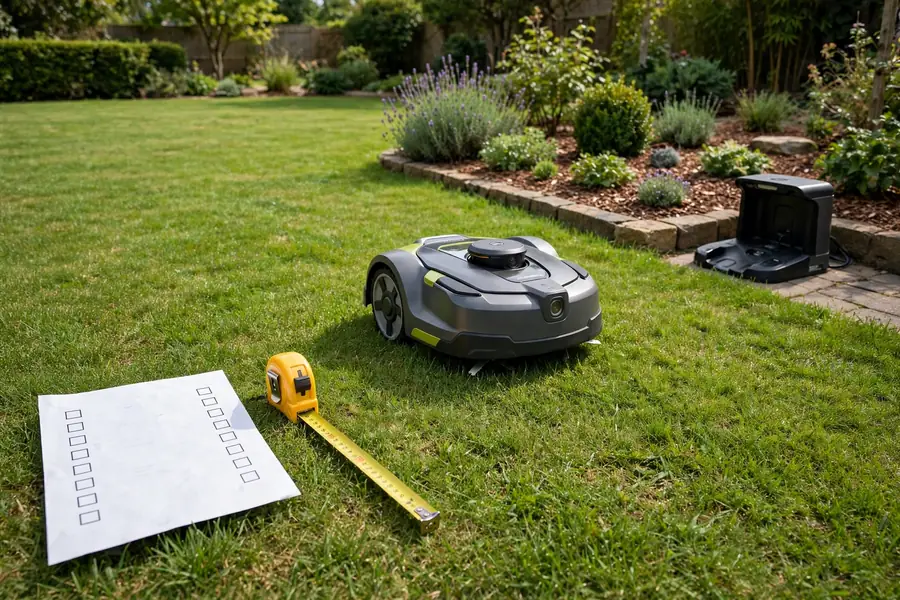
A robot mower is a long-term purchase, and the wrong one is an expensive mistake. The mower that works beautifully on a flat, square lawn can struggle on a sloped, narrow, or tree-filled yard. That is why a robot mower buying checklist matters: it forces you to measure your yard, check the practical details, and count the ongoing costs before you buy, not after the return window closes. Work through the 15 items below and tick each one off.
Robot Mower Buying Checklist: 1. Measure Your Lawn Properly
Measure the total mowable area with a tape measure or a satellite tool, subtracting patios, driveways, flower beds, and paths. Compare it with the manufacturer’s stated capacity and leave a margin: choose a model rated for at least 20 to 30 percent more than you measured, so it runs shorter sessions and wears more slowly. Note the shape too — a long, thin, or L-shaped lawn is harder work than a square of the same size.
2. Check Slopes and Uneven Ground
Every robot mower has a maximum slope rating, usually a percentage or degrees. Exceeding it causes wheel spin, poor cutting, or the mower getting stuck, so measure your steepest slope with a level and tape measure, or an inclinometer app, and compare it with the rating. Pay special attention to slopes near the dock: a mower that cannot climb back to charge will stop mid-job. Note rough ground, tree roots, and soft soil too.
3. Map Narrow Passages and Tight Corners
Robot mowers need room to pass between obstacles. Measure every narrow gap — between a fence and a garden bed, beside a shed, or between two trees — and compare each width with the mower’s width plus a safety margin. A passage only slightly wider than the mower can leave it wedged or cause it to skip the area entirely. Sharp 90-degree turns and dead-end strips are trouble spots too, so check whether the model states a minimum passage width.
4. Decide on Boundary Wire or Wire-Free Navigation
Robot mowers navigate in one of two ways: a boundary wire buried or pegged around the lawn’s edge, or wire-free navigation using GPS, cameras, or other sensors. Neither is automatically better — the right choice depends on your yard. Boundary-wire systems are well established and work reliably under tree cover and near buildings, but installation takes time and the wire can be damaged by digging, edging, or aeration. Wire-free systems set up faster and are easier to adjust, but they may struggle where satellite signals are blocked.
5. Check Dock Placement and Power
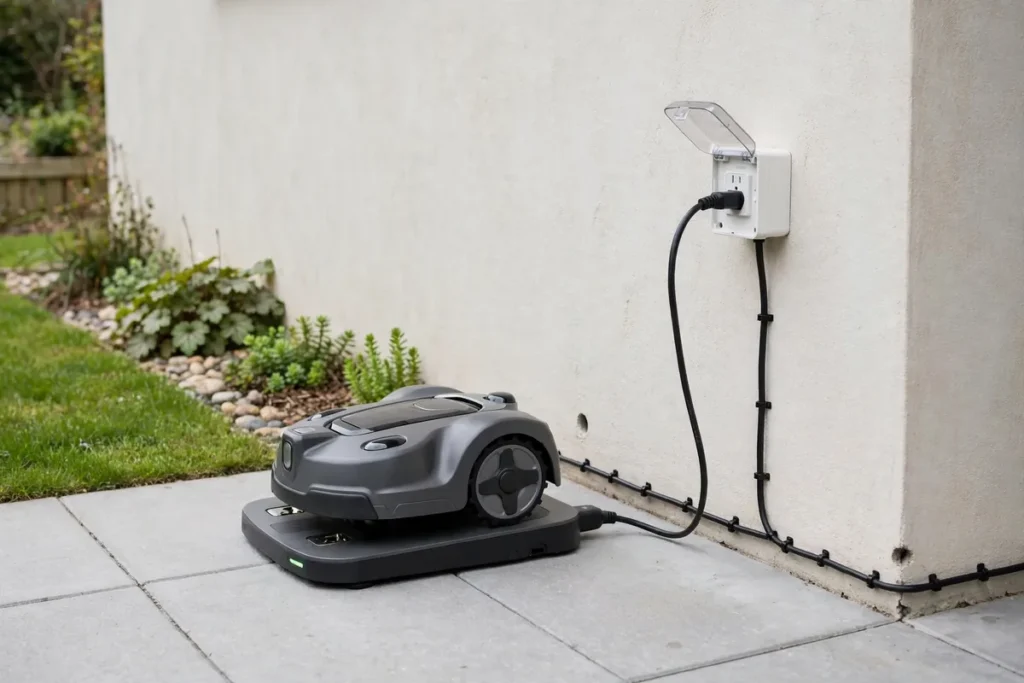
The charging dock needs a specific spot: flat ground, clear access from the lawn, and a nearby outdoor power outlet. Walk your yard, pick the dock location, and check the manual for the clearance the manufacturer requires in front of and beside it. Measure the distance to the nearest weatherproof outdoor outlet; if there is none nearby, budget for an electrician to install one. Running an extension cord across a lawn is not a safe or durable solution.
6. Test Your Wi-Fi and App Coverage
Most modern robot mowers are controlled and updated through a smartphone app, so they need a reliable connection at the dock and across the lawn. Check the Wi-Fi signal strength in your yard, especially at the far corners and at the dock, before you buy. If the signal is weak, you may need a mesh node or an outdoor access point. Also check whether the app supports the features you care about — scheduling, zone control, rain delay, theft alerts, and updates — and whether it works on your phone.
7. Match Cutting Width and Height to Your Grass
Cutting width and height range affect both results and running time. A wider deck covers more ground per pass, which suits larger lawns, while a narrower deck is more maneuverable in small or complex yards. Check the adjustable cutting height range against the grass in your yard: some grasses should be kept longer than others, and a mower whose maximum height is too low will scalp your lawn. Most robot mowers use small razor-style blades that need regular replacement, so note how often and what they cost.
8. Check Obstacle Handling and Safety Features
Your yard has obstacles: trees, flower beds, garden furniture, children’s toys, pet bowls, and hoses. Check how the model you are considering detects and avoids them. Some mowers rely on a bump sensor, meaning they touch an obstacle before turning; others use cameras, lidar, or ultrasonic sensors to avoid objects without contact. Look for lift and tilt sensors that stop the blades, a PIN code or app lock, and a rain sensor that pauses mowing in wet conditions. Never bypass or disable a safety feature.
9. Confirm Noise Levels and Mowing Hours
Robot mowers are quieter than petrol mowers, but they are not silent, and they run for longer periods. Check the manufacturer’s stated noise level in decibels and think about when the mower will run. If you plan to mow at night or early in the morning, a quieter model matters — for you and your neighbors. Check whether local rules or homeowners’ association guidelines restrict operating hours, and whether the app lets you set quiet hours. A model that mows little and often is less noticeable than one that runs long sessions.
10. Check Weather Resistance and Seasonal Storage
A robot mower lives outdoors, so check its weather resistance rating and what the manufacturer recommends for rain, frost, and winter storage. Some models are designed to stay out all season; others should be brought inside during winter or heavy frost. Think about where you will store the mower and dock in the off-season — a dry, frost-free space such as a garage or shed, with room for the dock and spares. Seasonal care is part of robot mower ownership costs, so factor it in before you buy.
11. Verify Security and Theft Protection
Robot mowers are valuable, portable, and left outside unattended, so theft protection is worth checking. Look for a PIN code that locks the mower, GPS tracking or location alerts, and an alarm that sounds if the mower is lifted or moved off your property. Ask whether the mower is useless without its paired dock or account — some models are designed so a stolen unit cannot be used by someone else. Check whether your home insurance covers a robot mower left outdoors, and whether the manufacturer offers a registration or recovery service.
12. Compare Warranty Terms Carefully
Warranties vary widely, so read the terms rather than just the headline number of years. Check what is covered and for how long: the mower body, the battery, the charging dock, and the boundary wire often have different warranty periods. Note the conditions — some warranties require professional installation, registration within a set period, or servicing by an authorized dealer. Check whether claims are handled by the retailer or the manufacturer, and how long a repair typically takes. A long warranty with poor service is worth less than a shorter one backed by responsive support.
13. Check Service, Support, and Spare Parts
Before buying, find out how you will get help and parts when something wears out. Check whether there is an authorized service center or dealer near you, how spare parts are ordered, and how long delivery usually takes. Blades, wheels, batteries, and boundary wire are consumables — confirm they are available for your model and note their prices. A mower from a brand with no local support can leave you waiting weeks for a simple part. This is a key part of robot mower compatibility: the mower should fit your local support network, not just your lawn.
14. Add Up the Real Ownership Costs
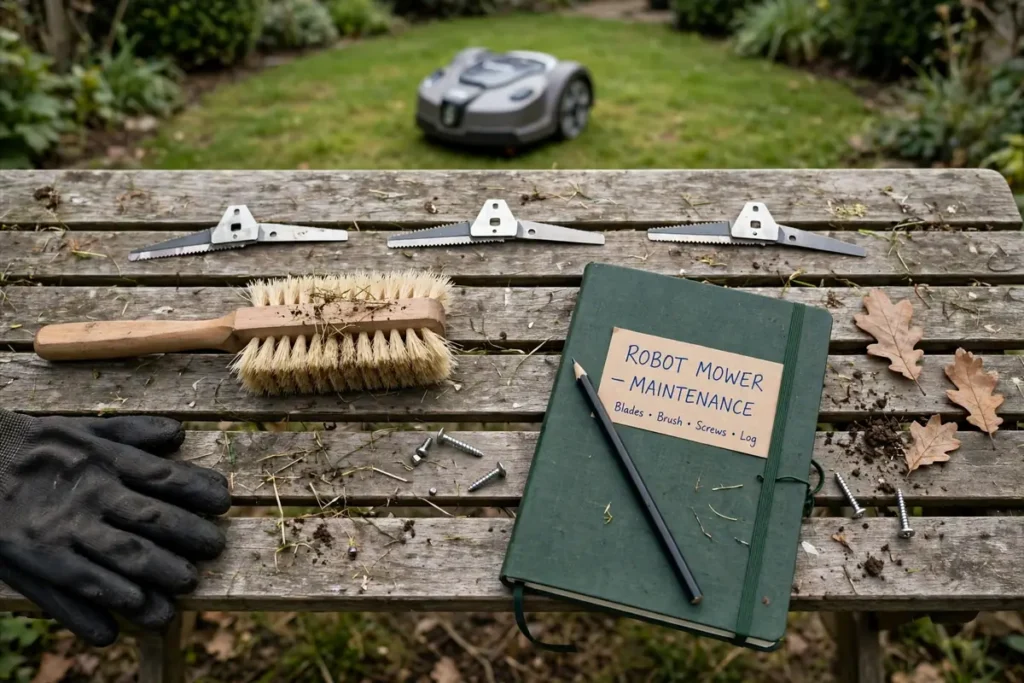
The purchase price is only the beginning. Before buying a robot lawn mower, add up the ongoing costs for at least three years: replacement blades, a replacement battery, boundary wire and pegs if applicable, electricity, and any subscription fees for app features or GPS services. Also budget for installation if you are not doing it yourself, and for an outdoor outlet if you need one fitted. Write the total next to the purchase price so you can compare models fairly — a cheaper mower with expensive blades can cost more over three years than a pricier model with cheap consumables.
15. Read the Manual Before You Buy
This final check sounds odd, but it is the most useful one on the list. Most manufacturers publish the full user manual online. Download it for the model you are considering and read the sections on installation requirements, lawn preparation, safety, maintenance, and troubleshooting. The manual tells you the truth about clearance distances, slope limits, wire layout rules, and maintenance intervals — details that marketing pages often skip. If anything in the manual conflicts with your yard or your expectations, you have found a problem before spending money.
Conclusion
Buying a robot mower is really about buying a fit for your yard, not just a machine. Measure your lawn, check your slopes and passages, confirm power and Wi-Fi, compare warranties and service, and add up the real three-year costs, and you will avoid the most common buying mistakes. Print this robot mower buying checklist, walk your yard with it, and only buy once every item is ticked. The hour you spend checking now is worth far more than the weeks you would spend fixing a mismatch later.
Frequently Asked Questions
What should I check before buying a robot lawn mower?
Start with your lawn: measure the mowable area, check the steepest slope, and measure every narrow passage. Then check dock placement and power, Wi-Fi coverage, navigation type, safety features, warranty, local service and spare parts, and the three-year ownership cost. Reading the manual ties all of these checks together.
How much bigger should a robot mower’s rated capacity be than my lawn?
Choose a model rated for at least 20 to 30 percent more area than you measured. The extra capacity means shorter run times, less wear, and room for complex shapes or future changes to your lawn. A mower rated for exactly your lawn size will work harder and may struggle when grass grows fast.
Do I need a boundary wire, or should I choose a wire-free robot mower?
It depends on your yard. Boundary-wire systems are reliable under trees and near buildings but take time to install, and the wire needs care. Wire-free systems set up faster and are easier to adjust, but they can struggle where satellite signals are blocked.
What are the ongoing costs of owning a robot mower?
The main recurring costs are replacement blades, a replacement battery every few years, electricity, and boundary wire repairs if you use a wired system. Some models also charge subscription fees for GPS or app features. Add these up over three years and compare models on that total.
Can a robot mower handle slopes and uneven ground?
Many can, within limits. Every model has a maximum slope rating, so measure your steepest slope and compare it with the manufacturer’s specification in the manual. Rough ground, tree roots, and soft soil also matter. Models with larger wheels and higher clearance usually cope better, but if your slope exceeds the rating, choose a different model.
How do I protect a robot mower from theft?
Use the PIN lock, enable GPS tracking and lift alarms if the model offers them, and place the dock where it is visible from the house rather than hidden at the far end of the garden. Register the mower, keep your receipt and serial number, and check whether your home insurance covers it. Never disable a security or safety feature.