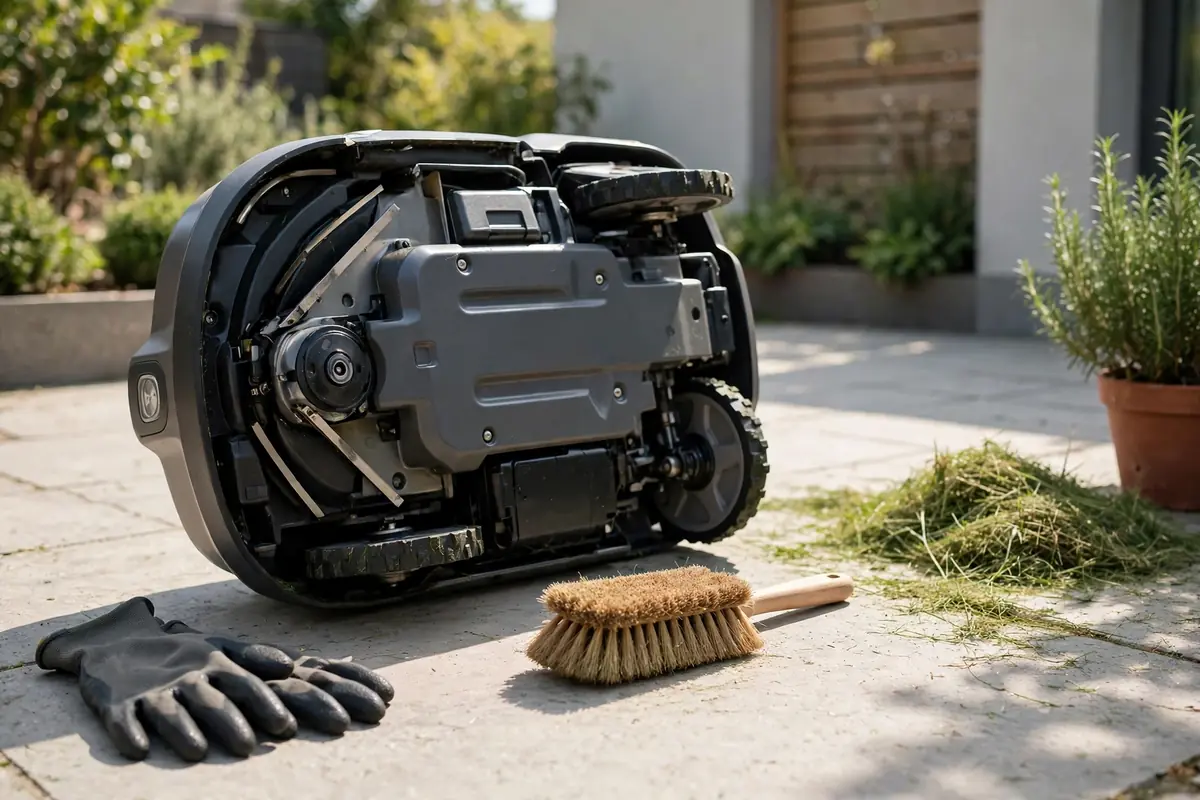
Learning how to clean a robot lawn mower is one of the simplest ways to keep it cutting well. In short: switch it off as your manual directs, wait until the blades stop, wear gloves, brush grass from the underside and wheels, wipe accessible surfaces with a damp cloth, let it dry, and run a short check before the next mow. Do not use a pressure washer, submerge the mower, or spray water into vents, sensors, or electrical parts. Some models can be rinsed with a hose, but many cannot, so your exact model’s manual decides.
A dirty mower cuts worse because wet clippings stick to the blade disc and pack into wheel hubs, so wheels lose grip and charging contacts make poor contact. Cleaning is also an inspection: you can spot a bent blade or a crack before it causes a missed mow.
Before You Start: Safety First
Never clean a robot mower while it is running, paused in the lawn, or still on a live schedule. Treat the blades as sharp even when the mower looks quiet: small razor-style blades can cut easily, and a blade disc can turn unexpectedly if the mower starts by accident. Read the safety pages in your manual first, because models switch off differently. Follow your model’s sequence exactly.
You need cut-resistant gloves, eye protection, a soft brush, a plastic scraper, a clean soft cloth and a dry cloth, and mild soap and water only if your manual allows a damp cloth. Work on a dry, flat surface in good light. Do not use a metal scraper, wire brush, sharp knife, pressure washer, or strong solvent.
Stop any schedule in the app, bring the mower to a clear, dry area, press stop, then switch it off using its main switch, safety key, or the manual’s shutdown method. Wait until the blades have stopped and the status light shows it is off. Keep children and pets away, and lift with both hands and bent knees. Check the manual before you flip or tilt the mower: some models can be turned upside down, others must stay upright to protect a camera or LiDAR module. If your manual does not say you can turn it over, clean the underside with the mower on its wheels.
How to Clean a Robot Lawn Mower, Step by Step
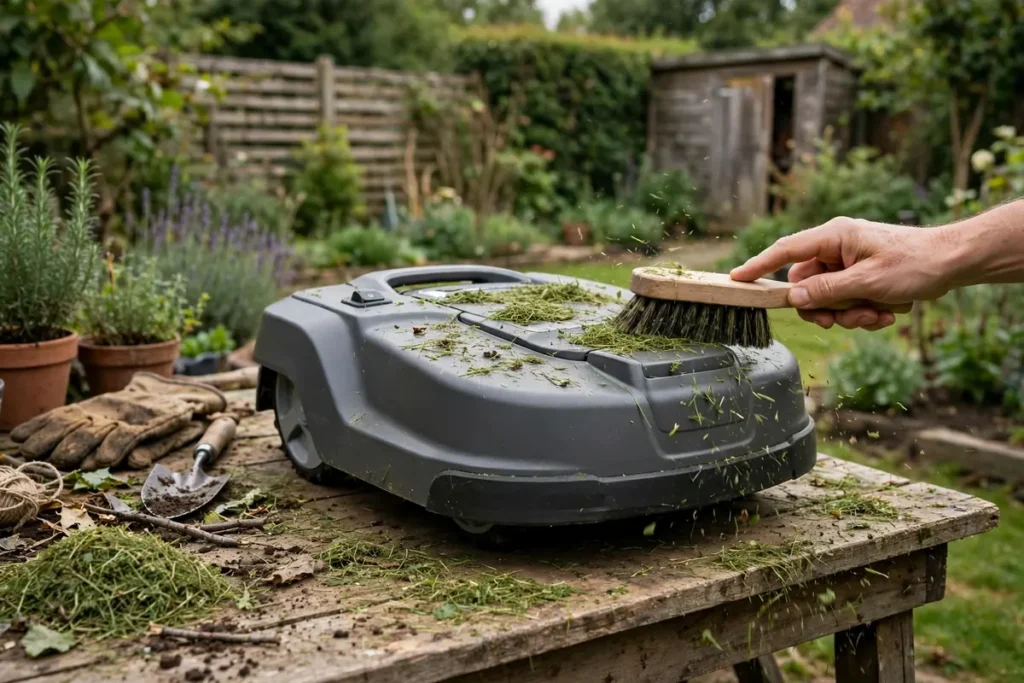
Work from the top down, and from loose debris to stuck debris. Never reach under the mower without gloves while the blade disc is exposed.
Step 1: Confirm it is off
Pause or cancel the schedule, stop the mower, and switch it off as above. Remove the safety key or battery if your manual requires it, and confirm the display or status light is off. Do not clean or inspect the underside until you are sure the mower cannot start.
Step 2: Move it to a dry workspace
Carry or wheel the mower to a flat, dry surface where you can see the underside clearly. Remove loose leaves, twigs, and grass from the top cover by hand or with a soft brush, but do not push debris into a vent or sensor opening.
Step 3: Clean the top and body
Wipe the housing with a soft, dry cloth first. If it is still dirty, use a damp, not dripping, cloth with a little mild soap if your manual allows it. Avoid the charging contacts, camera lens, LiDAR window, and sensors here; clean those in Step 6. Do not spray cleaner directly onto the mower — put it on the cloth first.
Step 4: Clean the underside and blade disc
This is the core of robot mower underside cleaning. Wear gloves throughout. Only turn the mower over if your manual allows it, and support it securely. Brush loose grass from the chassis, blade disc, and cutting deck, working outward from the centre. For dried grass, use a plastic scraper with short, controlled strokes. Turn the disc slowly by hand, with gloves on, and check it rotates freely. Check each blade pivots freely around its fixing screw, as Worx instructs for Landroid models. Remove grass, string, or wire wrapped around the disc, and look for bent, chipped, or missing blades. Do not sharpen razor-style blades or replace blades while the mower is on. If you find damage, contact a dealer as the manual directs.
Step 5: Clean the wheels and front caster
Dirty wheels are a common cause of slipping and getting stuck. Brush each drive wheel, including the tread and hub, to remove grass, mud, and stones. Turn each wheel slowly by hand, check it turns smoothly, and remove string or grass wrapped around the axle. Clean the front wheel or caster the same way; it clogs easily. Check for wobble, cracking, or worn tread. Do not lubricate wheels unless your manual tells you to, and do not hose them unless your manual permits it.
Step 6: Clean sensors, cameras, and charging contacts
Clean sensors last, with your cleanest cloth. Wipe camera lenses and LiDAR windows gently with a dry microfibre cloth; do not use a paper towel, which can scratch a lens. Wipe other sensors with a soft, dry cloth. Clean the charging contacts on the mower and station with a dry cloth — never sandpaper or a metal brush. Switch the station off and unplug it first if your manual requires it, and do not hose it unless your manual explicitly says that model can be cleaned with running water.
Step 7: Final brush and visual check
Brush the whole mower once more to catch grass loosened earlier. Check the chassis for cracks, the wheels for damage, and the blade disc for free movement. Check any cover you removed is refitted and secure, and that no cloth or tool is left under the mower.
Water, Hoses, and Pressure Washers
Never use a high-pressure washer on a robot mower or its charging station. Husqvarna, Mammotion, Worx, and other makers state this clearly, because high-pressure water can force moisture past seals into bearings, connectors, and sensors. A garden hose is not a safe substitute unless your manual explicitly permits it for your exact model: some Husqvarna models can be cleaned with a hose, others must not be cleaned with running water at all, and Worx warns owners of several Landroid models not to use a hose or running water.
Do not treat a water-resistance rating as permission. An IPX5 rating describes a test condition, not a cleaning instruction. If the manual and the rating seem to disagree, follow the manual. The safe default is dry cleaning: a brush, a plastic scraper, and a damp cloth.
Drying and Post-Cleaning Checks
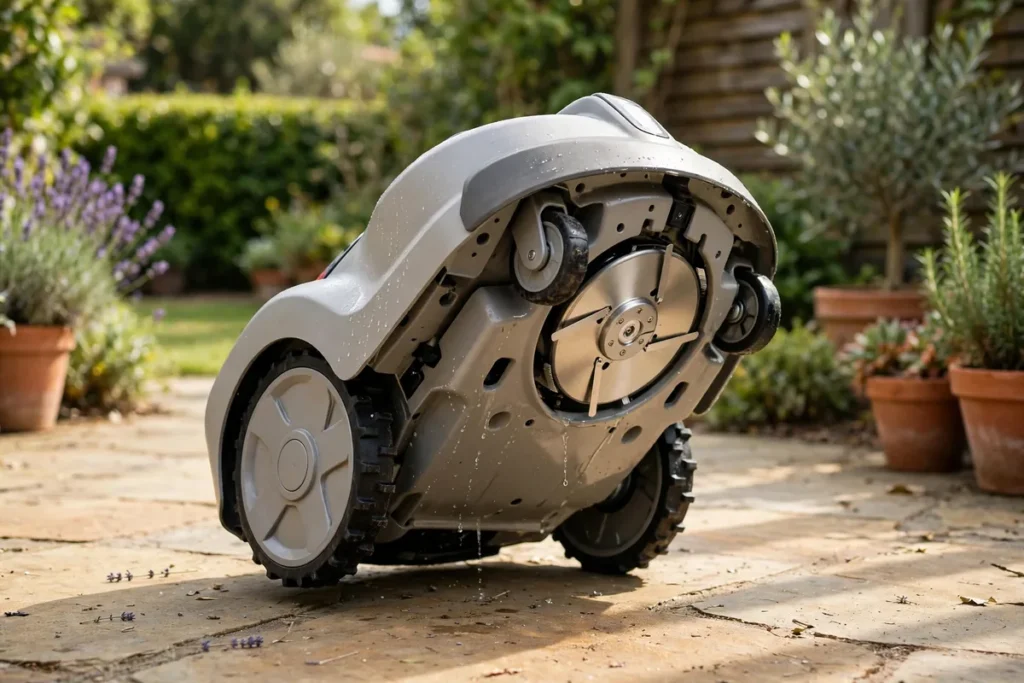
Drying is part of cleaning. A mower returned to the dock while wet can trap moisture around the blade disc, wheels, and contacts. Wipe it with a dry cloth and place it on its wheels in a dry, ventilated area. Do not dry it upside down unless your manual tells you to. Allow 30 to 60 minutes in warm, dry weather, and longer in cool or humid weather. Do not use a hair dryer, heat gun, or compressed air at close range.
Do not send the mower straight back to a full schedule after a deep clean. With it still off and gloves on, turn the blade disc slowly and check it spins freely, and turn each wheel to check it moves smoothly. Refit the safety key or battery, switch the mower on, and check the display or app for an error. Run a short test mow in a small, clear area if your manual allows it. If it vibrates, grinds, or shows an error, switch it off and consult the manual.
How Often Should You Clean a Robot Mower?
There is no single interval for every lawn, model, and climate. Wet grass, fast growth, leaves, and mud all increase cleaning needs.
| Situation | Suggested routine |
|---|---|
| Light use, dry weather | Brush underside and wheels every 2 to 4 weeks |
| Normal use, mixed weather | Brush underside and wheels weekly |
| Wet grass, fast growth, mud | Brush after heavy runs; check wheels weekly |
| Autumn leaves, seeding grass | Remove debris more often; check sensors weekly |
| End of season, before storage | Full clean, inspection, drying, and check |
If the mower slips, cuts unevenly, or misses charging, clean it before assuming a fault.
Mistakes to Avoid and When to Get Help
Avoid the mistakes that cause most cleaning damage: cleaning while the mower is on or scheduled to start; touching blades with bare hands; using a pressure washer or submerging the mower; using a metal scraper on the blade disc; using solvents on plastic or lenses; turning the mower upside down when the manual says not to; spraying cleaner or water onto sensors or contacts; forgetting to dry the mower; and ignoring a bent blade or cracked disc. If unsure, stop and check the manual.
Cleaning is routine maintenance, not a repair. Contact a dealer or manufacturer support if you find a cracked blade disc, damaged cable, swollen or leaking battery, burning smell, exposed wiring, water inside the mower, or a mower that will not switch off. Do not open the battery, bypass a safety switch, or attempt an electrical repair yourself. Also seek help if the mower vibrates or shows a persistent error after cleaning. Note the model, serial number, and error message.
Conclusion
To clean a robotic lawn mower safely, switch it off as the manual directs, wear gloves, brush grass and debris from the underside and wheels, wipe the body with a damp cloth where allowed, clean sensors and charging contacts gently, dry the mower completely, and check the blade disc, wheels, and charging before the next mow. Avoid pressure washers, solvents, and metal tools, and never use water unless your exact model’s manual explicitly permits it. A short, regular clean keeps the mower cutting evenly and charging reliably.
Frequently Asked Questions
How often should I clean my robot lawn mower?
Brush the underside and wheels weekly in the main growing season, and every two to four weeks in dry, light-use periods. Clean more often after wet mowing or heavy leaf fall.
Can I hose down my robot lawn mower?
Only if your exact model’s manual explicitly permits it. Many others must be cleaned with a brush and damp cloth only. Never use a pressure washer, submerge the mower, or spray water into sensors, vents, or electrical parts.
Can I turn my robot mower upside down to clean it?
Only if your manual allows it. Others must stay upright to protect a camera or LiDAR module. If your manual does not say you can, clean the underside with the mower on its wheels.
What is the safest way to remove grass from a robot mower?
Switch it off, wait for the blades to stop, and wear gloves. Brush loose grass away with a soft brush, then use a plastic scraper for dried grass. Check the blade disc turns freely. Do not use a metal tool or water jet.
Do I need to remove the blades to clean the mower?
No, not for routine cleaning. Clean around the blade disc with the blades in place, using gloves and a brush. Remove blades only when your manual instructs you to, and only after the mower is off.
Why does my robot mower still cut badly after cleaning?
Check for a dull, bent, or missing blade, a disc that does not spin freely, and a cutting height that does not suit the grass. Also check for a cracked disc or dusty sensor. If it still cuts unevenly, consult the manual or a dealer.