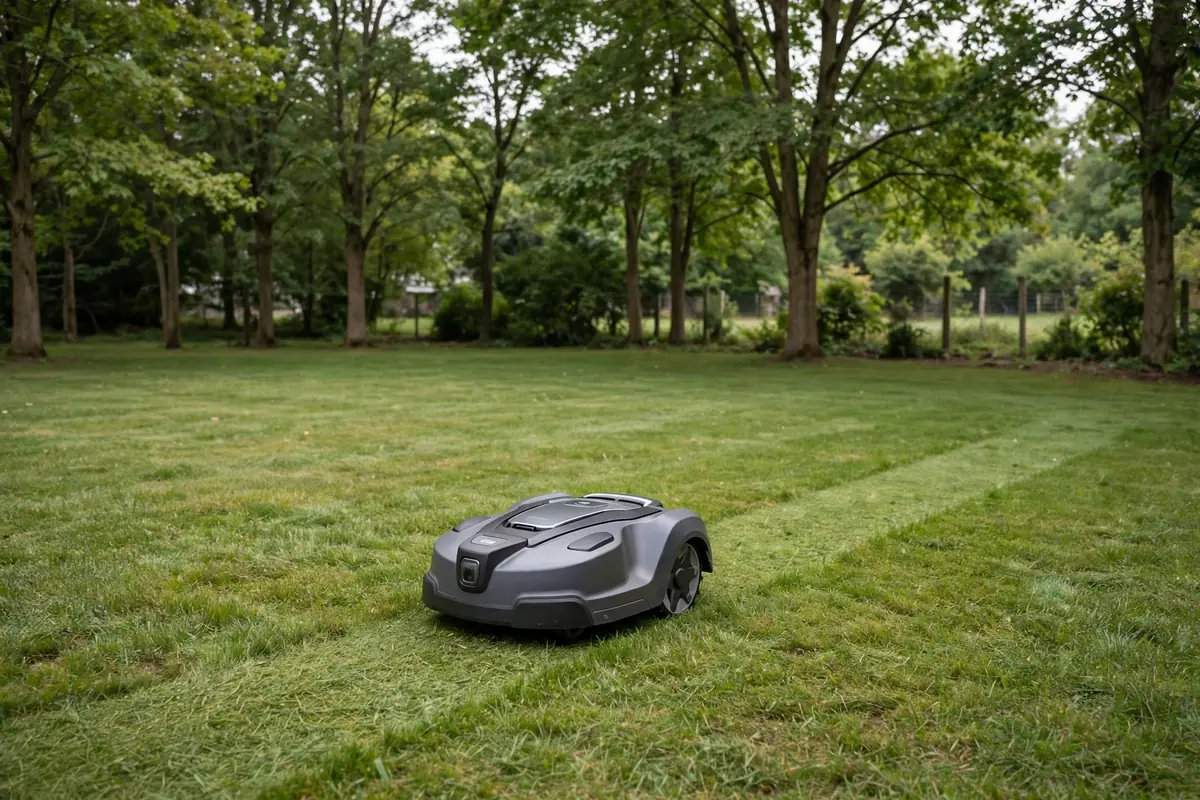
The difference in a wire free vs boundary wire robot mower is how it knows where your lawn ends. A perimeter wire mower uses a physical cable around the mowing area, while a wireless robotic lawn mower uses a digital map and virtual boundaries in an app.
Neither system suits every garden. A boundary wire is a proven, physical limit that works in shade and under trees. A wire-free system is usually quicker to set up and easier to change, but it depends on the technology inside the mower and the conditions in your garden.
How a Boundary Wire Robot Mower Works
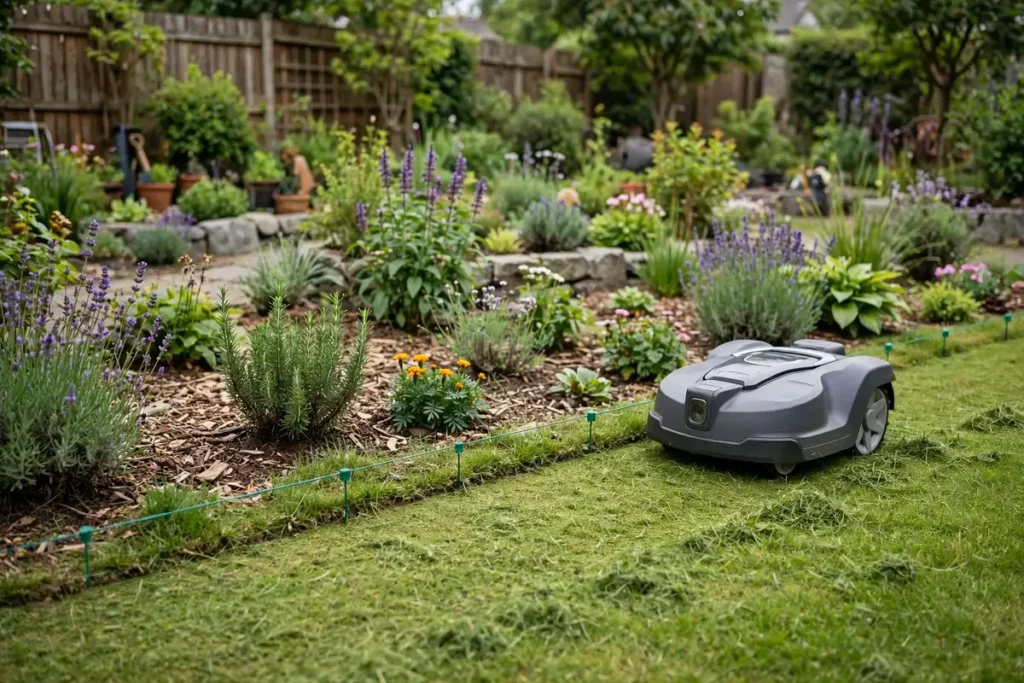
A perimeter wire mower uses a thin, insulated cable around the lawn edge and around areas to protect, such as flower beds, a pond, or a vegetable patch. The wire forms a loop that starts and ends at the charging station, which sends a low-voltage signal through it. Sensors on the mower detect that signal and turn back at the edge.
The wire is not an electric fence: it carries only a low-level signal, and you can walk over it safely. It is usually pegged on the grass surface, where grass grows over it, or buried a few centimetres down. Your model’s manual will say which method it supports and how far the wire should sit from walls and paths.
Inside the loop, simpler models often mow randomly, while newer models may mow systematically. Either way, the wire defines the outer limit.
How a Wire-Free Robot Mower Works
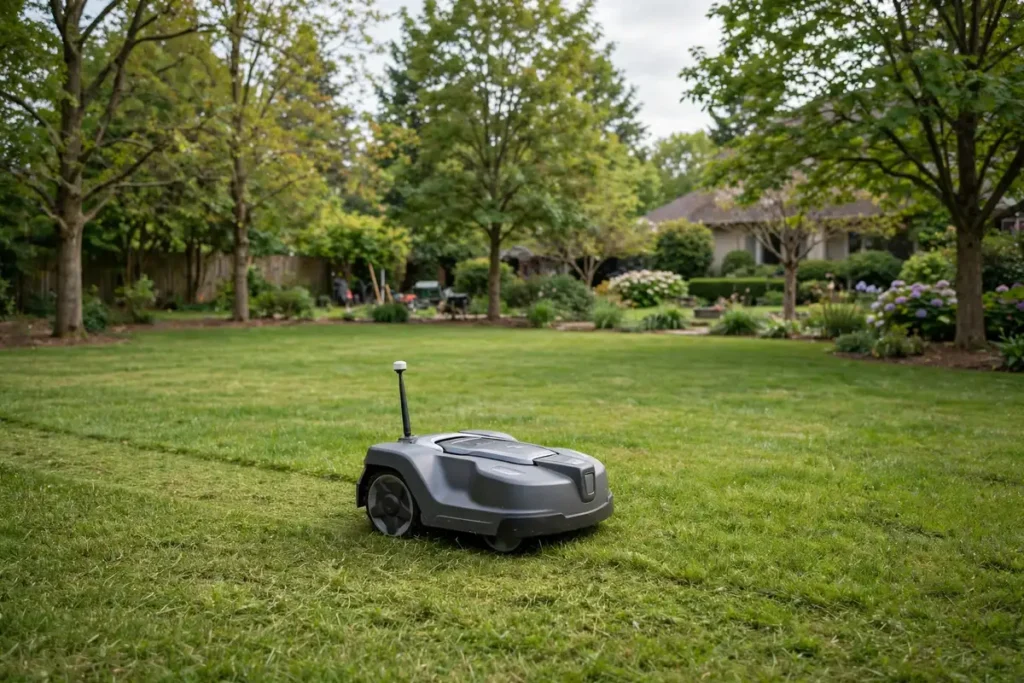
A virtual boundary robot mower has no perimeter cable. You define the mowing area digitally, and the mower uses its positioning system to stay inside it. But “wire-free” is not one technology — it covers several different systems, and they do not all behave the same way in the same garden.
GPS robot mower systems with RTK positioning
The most common wire-free approach is a GPS robot mower using Real-Time Kinematic (RTK) positioning. Ordinary satellite positioning is not precise enough for a neat lawn edge, so RTK adds correction data, usually from a reference station — a small antenna mounted with a clear view of the sky — or from a cloud-based service, depending on the model.
With RTK, you normally drive the mower around the lawn edge once, using the app, to record the virtual boundary. You can then add no-go zones around beds, ponds, and play equipment. Manufacturers often describe RTK accuracy as centimetre-level under open-sky conditions, but tall buildings, dense tree canopy, and narrow passages can weaken the signal.
Camera and vision-based systems
Some wire-free models use cameras and software instead of, or alongside, satellite positioning. The mower looks at the garden, recognises grass, edges, paths, and obstacles, and plans where to mow and stop. Some need no reference station, which can simplify setup.
Vision systems depend on what the camera can see, so very low light, heavy rain, glare, or a lawn with no clear visual edge can make the job harder.
LiDAR and combined systems
A third approach uses LiDAR, laser sensors that scan the surroundings and build a map. LiDAR does not depend on satellite signals in the same way RTK does, so it can work better in shaded or enclosed spaces. Many newer mowers combine two or more technologies — RTK plus vision, LiDAR plus vision, or all three — to cover the weaknesses of each one alone.
When comparing wire-free models, ask what technology each one uses and what happens when that technology is interrupted.
Wire Free vs Boundary Wire Robot Mower: Side-by-Side Comparison
| Factor | Boundary wire | Wire-free |
|---|---|---|
| Boundary | Physical cable around the lawn | Digital map and virtual boundaries in an app |
| Installation | Pegging or burying wire around the perimeter | Placing the station and any reference station, then mapping once |
| Setup effort | Longer on day one, especially for large lawns | Usually quicker, but mapping still takes care |
| Changing the boundary | Move or re-lay the wire | Redraw it in the app |
| Depends on | An intact wire loop and a station signal | Satellite, camera, or sensor signals, depending on the model |
| In shade and under trees | Generally unaffected | RTK can struggle with a poor sky view |
| Common failures | Cut wire or loose connection | Lost signal, a moved reference station, or mapping errors |
| Best suited to | Shaded, enclosed, or tree-covered gardens | Open lawns with a clear sky view |
Installation: What the Work Actually Looks Like
Installing a boundary wire
Start by sketching the lawn and deciding where the wire will run. It must sit a set distance from walls, fences, and hard edges such as patios — that distance varies by model, so follow the manual. Plan loops around trees, beds, and ponds.
Then walk the perimeter, pegging the wire down or burying it in a shallow furrow, and connect both ends to the station. Test the loop signal before the first mow. Once grass has grown over the wire, the boundary needs no satellite signal or camera to work.
Installing a wire-free mower
For RTK models, start with the charging station and the reference station. The reference station needs a clear view of the sky: a spot under a roof overhang, behind a tall fence, or under dense trees may not work. Check the manual for the height and clearance your model requires.
Next, map the lawn by driving the mower around the perimeter in the app while it records the boundary. Add no-go zones, check the map on screen, and leave a margin around beds and drops. This is usually quicker than laying wire, but a rushed map can cause missed strips or mowing where you did not intend it. Watch the mower complete a full test session before leaving it to run alone.
Safety note: Keep children and pets away while the mower works, and never lift or move it while the blades are running. Check the manual for how to stop it safely and what to do before clearing a blockage. Do not bypass safety features, and do not use it on ground the manual says is unsuitable.
Which Garden Suits Which System?
A boundary wire is often the safer choice for a shaded, enclosed, or heavily planted garden. If your lawn sits under mature trees, between tall buildings, or in a narrow side garden with only a strip of sky above it, a physical wire does not care about satellite visibility. It also suits a garden that will not change much: if beds, paths, and edges are settled, the wire can stay in place for years with only occasional checks.
A wire-free system is often easier for a large, open lawn with a clear sky view. If you can place a reference station with an unobstructed view, an RTK model can map a big area quickly and let you redraw zones from your phone.
Reliability and What Can Go Wrong
Both systems can fail, but they fail differently. With a boundary wire, the most common problem is a break in the loop, caused by digging, edging, aerating, frost, or a dog. The mower usually stops and reports a wire or signal fault. The repair is usually straightforward: locate the damaged section, join it with a proper connector, and test the signal.
With a wire-free system, the common problems are signal and mapping problems. An RTK mower may lose its satellite fix under dense canopy, near a tall wall, or if the reference station has been moved or blocked. A vision mower may struggle if its cameras are dirty, and a mapping error can send the mower into a bed or leave a strip uncut.
Ownership Trade-Offs and How to Decide
A boundary-wire mower has a lower technology burden: no reference station or camera lenses to keep clean. Its ongoing work is physical — checking the wire after garden work and repairing a break if one happens.
A wire-free mower has a lower physical burden: no cable to lay or damage with a spade. Its ongoing work is digital — keeping the map up to date and checking for software updates. Some models may need a subscription or correction service for full accuracy, so check what is included before you buy.
Before you buy, work through these five steps:
- Walk your garden and look up. A clear sky view favours RTK wire-free models; heavy shade favours a wire or a non-satellite system.
- Sketch the lawn and measure the awkward parts. Note narrow passages, slopes, beds, and drops, and check each model’s minimum passage width in its manual.
- Be honest about installation. Are you happy to spend a day laying wire, or would you rather map a boundary in an app?
- Think about change. Will the garden stay the same, or will you add beds or reseed areas? Frequent changes favour a virtual boundary you can redraw.
- Check what each model actually needs. Ask what technology it uses, what happens when the signal is interrupted, and how you update the map.
Conclusion
A wire free vs boundary wire robot mower comparison is really a comparison of two ways of drawing the same line. A perimeter wire mower draws it with a cable in the ground: proven and steady, but slower to install and harder to change. A wireless robotic lawn mower draws it with software: quicker to set up and easy to adjust, but dependent on the positioning technology inside the mower and the conditions in your garden.
Start with your lawn, not the label. Choose the system whose strengths match your garden, read the manual for the model you shortlist, and test the boundary carefully before you let the mower run on its own.
Frequently Asked Questions
Is a wire-free robot mower better than a boundary wire mower?
Not always. A wire-free mower is usually easier to install and change, suiting open lawns. A boundary wire mower is often more reliable in shaded gardens because it does not depend on satellite or camera signals.
Do wire-free robot mowers need Wi-Fi to mow?
That depends on the model. Many can mow without a live internet connection once the map is set up, although the app usually needs one for setup and map changes.
What happens if a boundary wire breaks?
The mower usually stops and reports a wire or signal fault, because the loop is no longer continuous. Find the damaged section, repair it with a proper connector, and test the signal before mowing again.
Can I move a wire-free mower to a new house?
Usually, yes. Create a new map for the new lawn, place the charging station and any reference station in a suitable spot, and define new virtual boundaries in the app. A boundary-wire mower can also be moved, but you will need a new wire layout.
Do all wire-free mowers use GPS?
No. Some use RTK satellite positioning, some use cameras and AI vision, some use LiDAR, and many combine two or more of these.
Can I change the mowing area after installation?
Yes, with both systems, but the effort differs. With a wire-free mower, you redraw the boundary in the app. With a boundary-wire mower, you need to move or re-lay the wire.