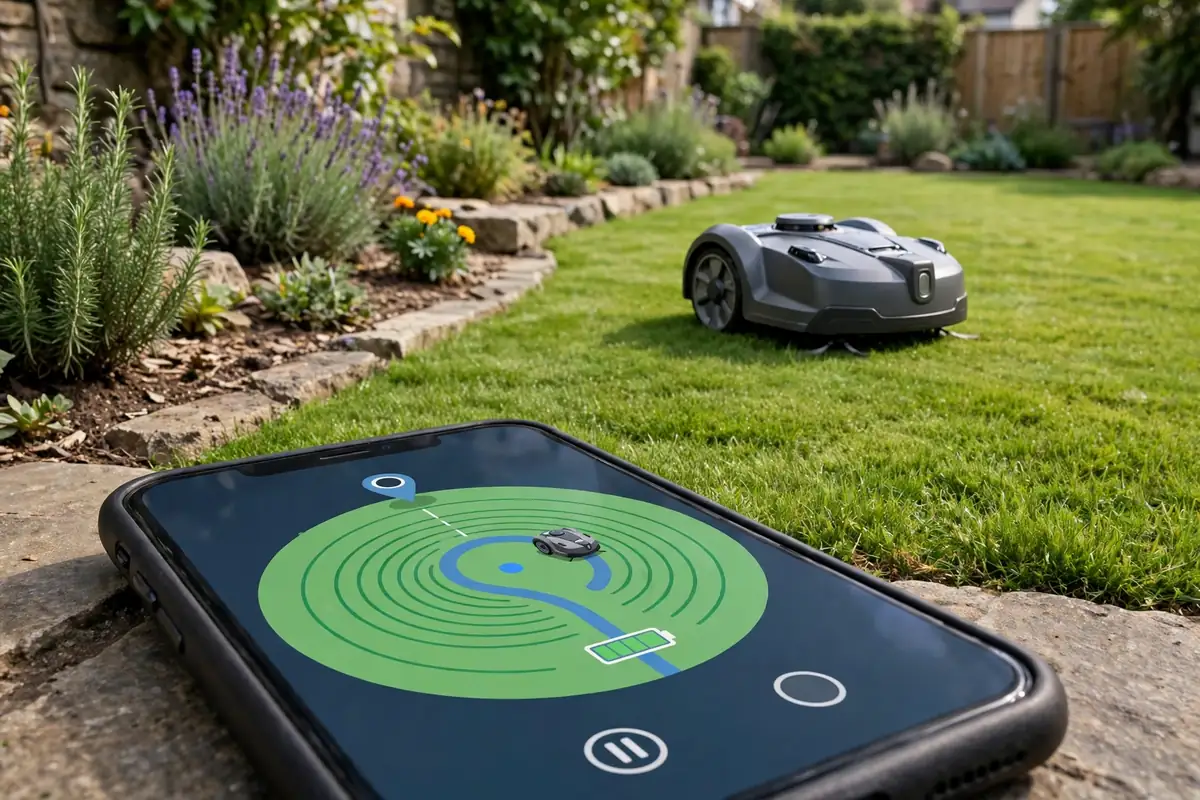
Shopping for a robot mower can feel overwhelming. Manufacturers list sensors, mapping, GPS, rain modes, and app controls, often without explaining what they do in a real garden. The most important robot mower features are the ones that help the mower cut safely, navigate without getting stuck, and return to its charger on its own.
Everything else is a convenience or a luxury. A mower with strong navigation, reliable obstacle detection, and sensible safety features will serve most lawns well. This guide explains the common robotic lawn mower features in plain language and separates the essentials from the nice-to-haves.
Essential Robot Mower Features Worth Paying For
Start here. If a mower does not handle these well, the rest of its features will not make up for it.
Reliable navigation and boundary control
A robot mower needs to know where your lawn ends. Simpler models use a buried or pegged boundary wire. The mower detects the signal and turns at the edge. This system is proven, although installing the wire takes time.
Newer models may use GPS, cameras, or other sensors to work without a wire. That can make setup easier, but performance depends on signal quality and tree cover. Check that the mower can handle your lawn shape, narrow passages, and separate zones if you have them.
Obstacle detection
Robot mower sensors for obstacle detection help the mower avoid garden furniture, plant pots, toys, hoses, and tree roots. Basic models rely on a bumper: they touch an object, then turn away. That works for solid objects, but less well for low or soft items.
More advanced models add ultrasonic sensors or cameras that slow down or steer around obstacles before contact. This is especially useful if your lawn has children’s toys, pet items, or delicate planting. No system is perfect, so clear the lawn before mowing.
Lift, tilt, and blade-stop safety
Robot mower safety features are not optional extras. At a minimum, look for a mower that stops its blades quickly when it is lifted, tilted sharply, or turned over. Many models also include a PIN code or lock so the mower cannot be started by a child or used by someone else.
Some models add an alarm or GPS tracking, but they do not replace basic blade-stop and lift sensors. Never bypass a safety feature, and never reach under a mower while its blades could still be moving.
Automatic charging and scheduling
A robot mower should return to its charging station when its battery is low and, if needed, resume mowing after charging. Scheduling is equally important: set mowing days and times that fit your routine, including avoiding times when children and pets use the lawn. If you have a larger lawn, check whether the mower can recharge and resume, rather than stopping for the day after one charge.
Robot Mower Sensors: What Each One Does
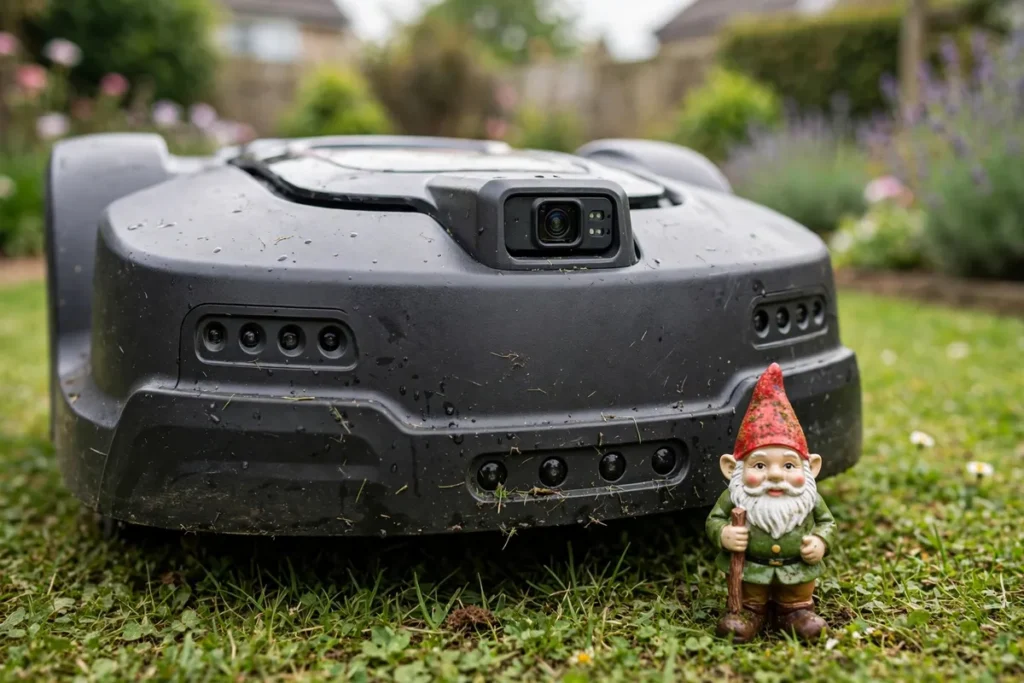
Sensors are the mower’s way of understanding its surroundings. Here is what each common sensor is for.
| Sensor | What it does | How much it matters |
|---|---|---|
| Boundary sensor | Detects the wire or virtual edge | Essential |
| Bump sensor | Detects contact with a solid object | Essential on basic models |
| Obstacle sensor | Detects objects before contact | Very useful on busy lawns |
| Lift and tilt sensor | Stops blades when lifted or tipped | Essential for safety |
| Rain sensor | Detects rain and pauses mowing | Useful, not essential |
| Slope sensor | Helps manage hills | Important on sloped lawns |
| GPS | Tracks where it has cut | Useful on larger lawns |
A rain sensor robot mower can pause when rain starts and return to its station. That can help avoid cutting wet grass, which may clump and leave an uneven finish. It is helpful, but it is not a substitute for sensible scheduling. If your lawn has a hill, check the maximum slope the mower is rated for and follow the manufacturer’s guidance for your model.
Mapping, Zones, and Cutting Patterns
Mapping is one of the most useful modern robotic lawn mower features. A mower with mapping builds a picture of your lawn over time, learns its shape, and cuts in more organised patterns instead of wandering at random. That can mean more even coverage, especially on a larger lawn.
Some models let you divide the lawn into zones. You might mow the front lawn more often than a shaded side area, or keep the mower out of a newly seeded patch.
Simpler mowers often use a random pattern. They move in straight lines, turn at a boundary or obstacle, and gradually cover the lawn over several sessions. This can work well on a small, simple lawn. Systematic mowing follows a planned route, often in parallel lines, and usually gives more even coverage.
App Controlled Robot Mower: What the App Should Do
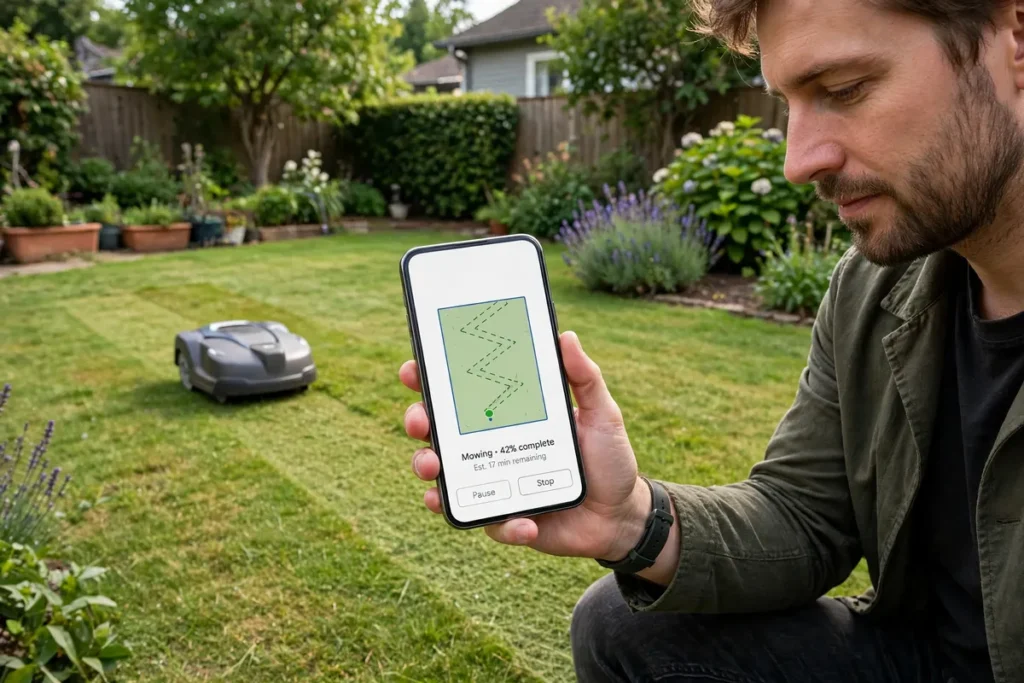
An app controlled robot mower lets you start, pause, and schedule mowing from your phone. App quality varies widely, though, and a poor app can make a good mower frustrating.
Look for these practical functions: start, pause, and send the mower home; set and change a weekly schedule; adjust cutting height, if supported; see battery level and mowing status; receive alerts if the mower is stuck or lifted; and manage zones or no-go areas, if supported.
Voice control, detailed mowing maps, and lawn health reports can be nice, but they are not essential. What matters most is that the app connects reliably and the basic controls work when you need them. Check recent user feedback, and confirm it works with your phone and home Wi-Fi or Bluetooth setup.
Rain Handling, Weather, and Cutting Height
A rain sensor robot mower usually detects moisture and either pauses mowing or returns to its station until conditions improve. Some models let you adjust how sensitive the sensor is.
Cutting wet grass is not ideal. Wet clippings can stick together, clog the cutting deck, and leave a less tidy finish. Check the manual for guidance on mowing in wet weather and for cleaning the mower after use.
Some mowers let you change the cutting height from the app or control panel. Others require a manual dial on the mower itself. Manual adjustment is fine for most people, especially if you keep the height fairly constant. The more important question is whether the height range suits your grass type.
Security, Privacy, and Anti-Theft Features
Robot mowers sit outside, often in view of the street, so security is a reasonable concern. Common features include a PIN code, an alarm that sounds if the mower is lifted without authorisation, and GPS tracking.
A PIN is the most practical feature. It prevents casual use and makes the mower less useful to a thief. An alarm can deter theft, but it may also be triggered accidentally if you lift the mower without entering the code first. GPS tracking can help in some cases, but it depends on signal coverage.
If the mower uses a camera or connects to the internet, check the privacy settings in the app and manual. Understand what data it collects and how you can control that. Keep its software updated.
Essential vs. Nice-to-Have: A Quick Comparison
Use this table as a shortcut when comparing models. The essentials affect safety, coverage, and day-to-day reliability.
| Feature | Essential or nice-to-have? |
|---|---|
| Boundary control | Essential |
| Lift and tilt blade stop | Essential |
| Obstacle detection | Essential or very useful |
| Automatic charging | Essential |
| Scheduling | Essential |
| Rain sensor | Useful |
| Mapping and zones | Useful |
| App control | Useful |
| GPS tracking or alarm | Nice-to-have |
| Voice control | Nice-to-have |
If you are choosing between two models, start with the essentials. A mower that covers your lawn well, avoids obstacles, and charges itself reliably is a better buy than one with more extras but weaker navigation.
Features You Can Often Skip
You do not need every feature on the list. Advanced lawn reports and growth tracking can be interesting, but they rarely change how you mow. Decorative features such as coloured lights or custom sounds do not improve the cut. Smart-home integration is useful only if you already use that system.
Also be cautious about features that sound impressive but are hard to use in practice. A complex zone editor is only helpful if you actually need separate zones. Match features to your lawn, not to the longest specification list.
How to Choose the Right Features for Your Lawn
Before you buy, walk your lawn and note what will matter most. How large and complex is it? Does it have beds, trees, and narrow areas? Are there slopes? Do children or pets use the lawn while the mower is running? How often does it rain? Do you want to control the mower from your phone, or is a simple schedule enough?
Your answers will point you toward the right priorities. A busy family lawn may benefit most from strong obstacle detection and safety features. A large lawn may benefit most from mapping, zones, and recharge-and-resume. A small, simple lawn may need little more than reliable boundary control, automatic charging, and a sensible schedule.
Conclusion
The most valuable robot mower features are the ones that make mowing safer, more reliable, and less work for you. Boundary control, obstacle detection, lift and tilt safety, automatic charging, and scheduling form the foundation. Mapping, app controls, rain handling, and cutting-height adjustment can make a good mower better, especially on a larger lawn. Security features, voice control, and decorative extras should not outweigh the basics.
Choose features for your lawn, your household, and your routine — not for the longest list on the box. When you find a model that covers those essentials well, check the manual, set up the boundaries carefully, and clear the lawn before mowing.
Frequently Asked Questions
What are the most important robot mower features?
Reliable boundary control, obstacle detection, lift and tilt blade-stop safety, automatic charging, and scheduling. Mapping, app controls, and rain handling are useful additions, especially on larger lawns.
Do I need a rain sensor on a robot mower?
A rain sensor is useful but not essential. It can pause mowing when rain starts and help avoid cutting very wet grass. Without one, choose dry mowing times and check the forecast before a scheduled session.
Is an app controlled robot mower worth it?
App control is worth it if the app is reliable and easy to use. It lets you start, pause, schedule, and check the mower from your phone. If you prefer a simple setup, a clear control panel and a basic schedule may be enough.
What safety features should a robot mower have?
Look for blades that stop quickly when the mower is lifted or tilted, and a PIN code or lock to prevent unauthorised use. Some models also add an alarm or GPS tracking. Never bypass a safety feature, and always follow the manufacturer’s instructions.
Do robot mowers need mapping to work well?
No. Mapping can improve coverage on larger or complex lawns, but many simple mowers work well without it. A random-pattern mower that runs regularly can keep a small, open lawn tidy.
How do robot mower sensors detect obstacles?
Basic models use a bumper that detects contact and then turns away. More advanced models use ultrasonic sensors or cameras to detect objects before contact and steer around them. No system detects every object, so clear toys and hoses from the lawn before mowing.