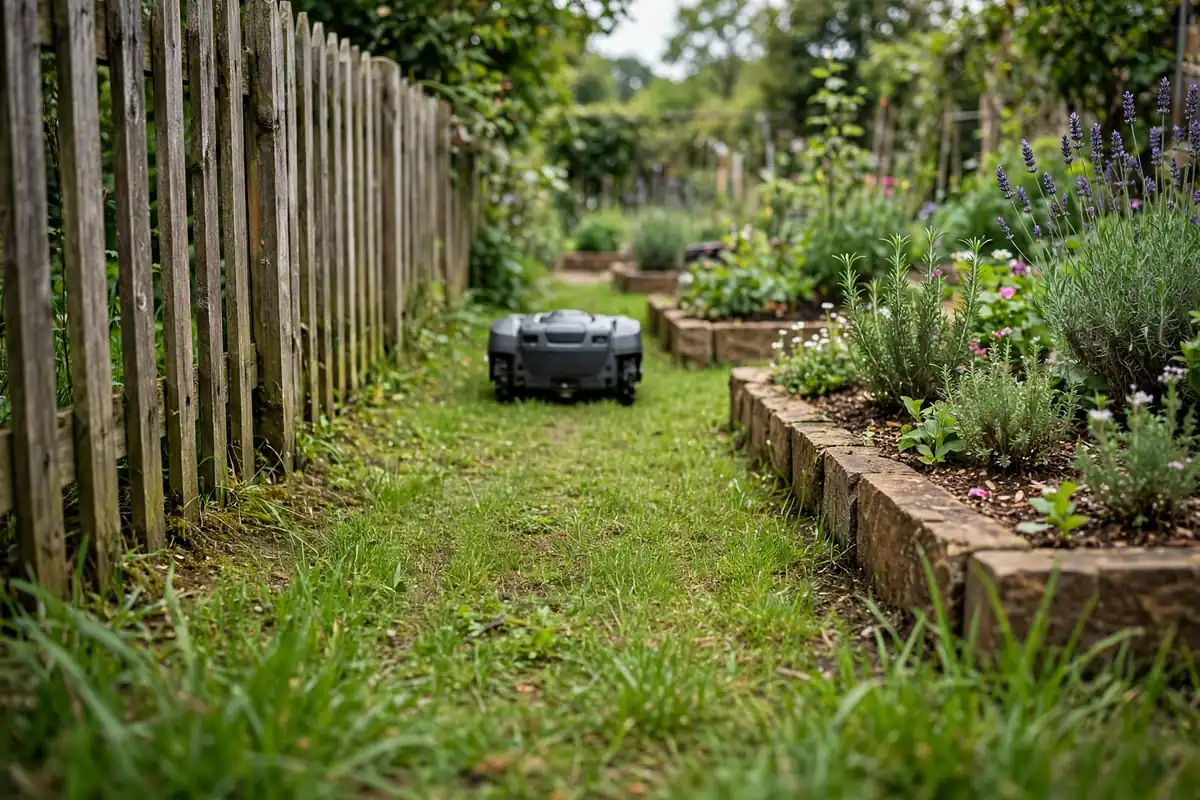
Robot mower narrow passage setup starts with measurement, not guesswork. In short: measure every gap at its tightest point, check your exact model’s minimum width in its manual, prepare the surface and edges, plan a clear wire or virtual route, and test the mower while you watch it. If a passage is too narrow, do not force it — widen the route or mow that strip another way.
Narrow passages are common: a strip between a fence and a flower bed, or a link between a front lawn and a back lawn. This guide covers robotic mower narrow paths step by step, without assuming every mower needs the same space.
What Counts as a Narrow Passage?
A narrow passage is a stretch of grass where the mower has little room to move sideways, turn, or correct its course. It is usually a corridor bounded on one or both sides by a fence, wall, hedge, bed, patio edge, or tree.
Width is not the only challenge. A short, straight, level strip is often easier than a longer passage with a bend, a slope, or a step. Low branches and uneven turf can also make a passage harder than its measured width suggests.
Measure Every Passage First
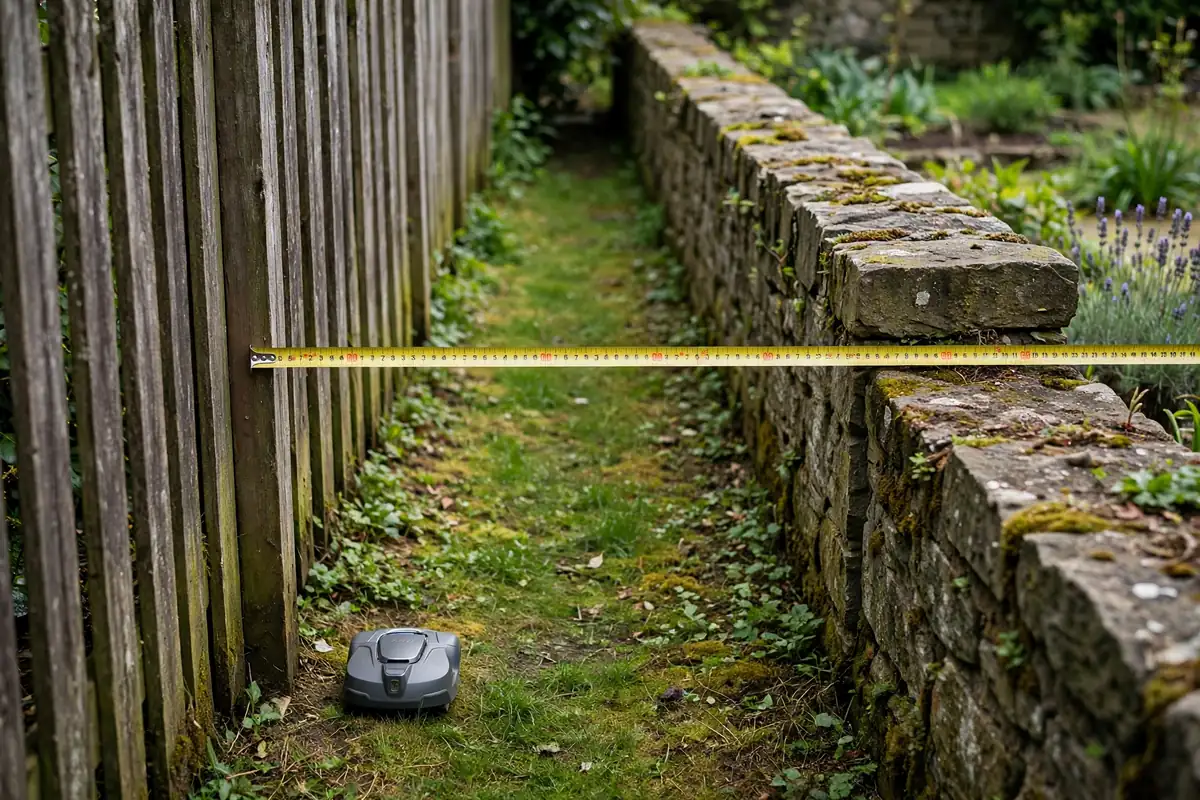 Do not estimate by eye, and do not measure only the widest part. Measure the clear grass width between solid edges at ground level, then again at mower height, allowing for overhanging branches and edging that sticks out. Check the entry and exit, not just the middle: a passage can be wide inside but pinched at a gatepost or tree root. Measure bends at the inside of the turn, where space is often smallest.
Check the surface for steps, ruts, and roots. Write down the narrowest figure for each passage — this robot mower passage width is the one that matters. Also measure the mower at its widest point: the passage must leave room for the mower body and its boundary.
Check Your Model’s Minimum Width
There is no universal minimum passage width. Models differ in size, turning behaviour, sensors, navigation, and the clearance their boundary wire or virtual boundary needs on each side. Never use a figure from another model or a general online claim.
Check the manual for your exact model, looking for “minimum passage width,” “minimum corridor width,” or “channel width.” The figure may differ for a boundary-wire route, a guide-wire route, or a mapped virtual route, and for a straight passage versus one with a turn. Use the figure that matches your garden.
If you cannot find a figure, do not guess. Ask the manufacturer’s official support channel, or treat the passage as unsuitable until you have written confirmation. If a passage is narrower than the manual’s figure, do not move the boundary closer to an obstacle to squeeze it in.
Plan Your Robot Mower Garden Layout
A good robot mower garden layout treats narrow passages as links between larger areas, not as afterthoughts. Sketch the garden before you lay wire or start mapping, marking the charging station, the main lawn, separate lawn areas, and every passage that connects them.
Note which passages are essential — for example, the only route from the front lawn to the back lawn — and which are optional. An essential passage may be worth widening; an optional one can sometimes be left out.
Give the mower a straight approach where possible, with open lawn before the entry so it can line up, and a clear exit so it does not have to turn sharply. Also plan the return: if a passage leads to a small, enclosed lawn, the mower must be able to turn around or return through the same passage. Keep the layout simple — one clear route per passage.
Prepare Transitions and Edges
Passages often fail at the transition, not in the middle. Walk the route and look for steps or lips between grass and paving, ruts near gates, exposed roots, and loose gravel on the grass. Fill ruts, trim overhanging growth, and clear loose material before testing. If a step cannot be removed safely, consider a ramp or a different route, and check the manual for the maximum step or slope your model can handle.
Remove tools, hoses, toys, and plant pots, and keep children and pets away while the mower is moving. Before handling it, switch it off as the manual directs and keep hands away from the blades. Never reach underneath it while it is switched on, and never bypass a lift, tilt, or safety sensor to make it fit.
Plan Wire or Virtual Routes
How you guide the mower depends on whether it uses a boundary wire or a wire-free, mapped system.
For a boundary-wire mower, place the wire on each side exactly as the manual directs, with the spacing it specifies. Do not move wires closer to fit a gap the manual says is too narrow. If your model supports a guide wire, check where it should run in a corridor and how far it must stay from the boundary wire, then lay it straight through the centre, avoiding sharp bends.
For a wire-free mower, the route is defined on a map in the app. Walk the mapping route slowly through the centre, keeping a steady distance from both sides. Do not rush, cut corners, or map a route tighter than the manual allows. Check the map afterwards for a clean, centred corridor; if it looks wrong, remap that section.
Either way, this is a robot mower channel installation in the practical sense: a defined channel the mower can follow reliably in both directions.
| System | How the passage is defined | What to check |
|---|---|---|
| Boundary wire | Physical wire around the mowing area | Wire spacing and distance from edges, as the manual specifies |
| Guide wire | Extra wire leading the mower through a corridor | Whether your model supports it, and its central position |
| Wire-free mapping | Virtual boundary drawn on a map in the app | A steady, centred mapping pass and a clean map |
Settings and names differ by brand. Use only the modes described in your manual for your exact model.
Robot Mower Corridor Setup in Seven Steps
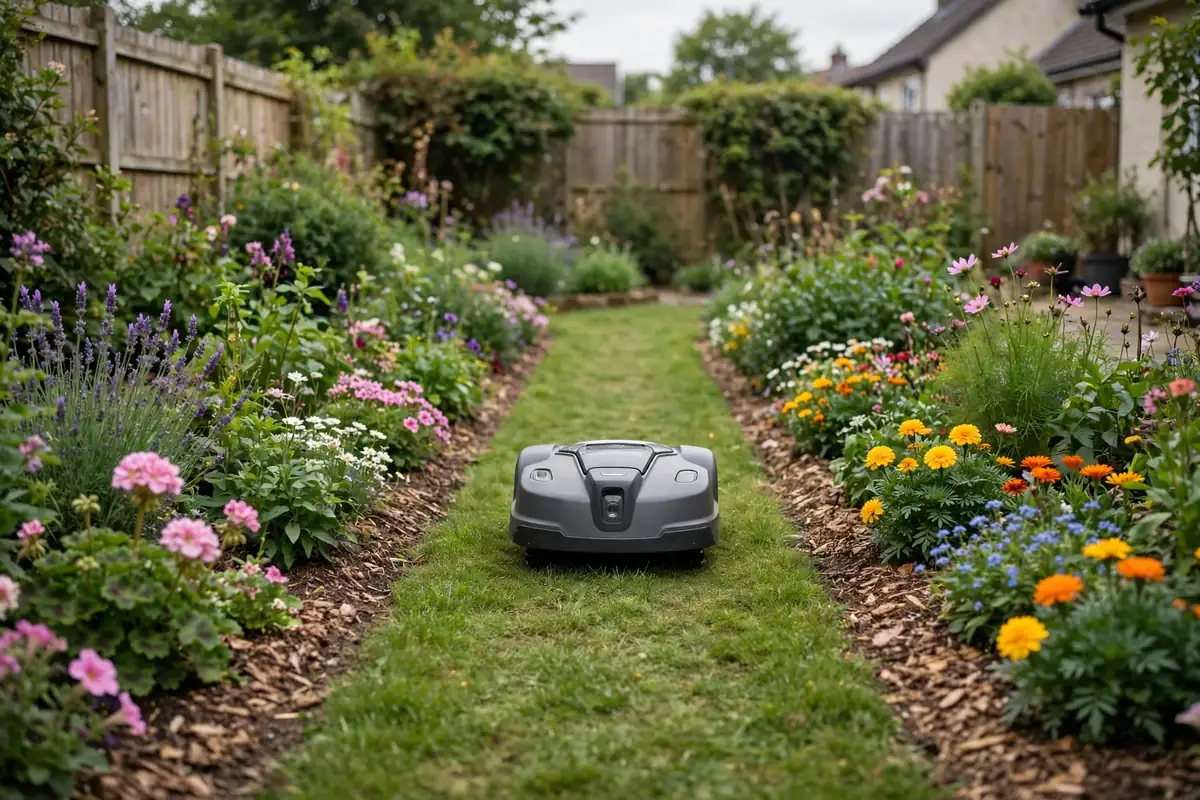 Robot mower corridor setup works best in stages:
- Confirm measurements. Compare each passage’s narrowest width with the manual’s minimum.
- Clear the route. Remove obstacles, trim growth, and fill ruts.
- Plan the centre line. Mark a smooth line through the middle, with gentle curves.
- Lay wire or map the route. Follow the manual, and keep the route centred.
- Check the dock route. Make sure the mower can return to the dock without a sharp turn.
- Review the layout. Check the map, or walk the wire and check pegs.
- Test with supervision. Run a short, watched test first.
Testing Your Robot Mower Narrow Passage Setup
Testing proves the setup. Stay nearby and be ready to stop the mower as the manual directs. With the passage clear, place the mower on open lawn near the entry and let it approach on its own if your model supports that. Watch the whole pass — entry, middle, and exit — for smooth, centred movement. Note any hesitation, reversing, scraping, wheel slip, or drifting to one side.
Repeat the test in the opposite direction, since a passage that works one way may be harder the other way. Also test the return to the charging station. Run two or three successful supervised passes in each direction before trusting the setup. If it fails in the same place more than once, recheck the measurement, the wire or map, and the surface before retrying.
Troubleshooting Narrow Passages
Work through problems calmly, with the mower switched off before you adjust wire or move obstacles.
| Problem | Likely cause | Check first |
|---|---|---|
| Will not enter | Route too narrow, or entry blocked | Narrowest width and manual minimum |
| Turns back halfway | Wire spacing, map error, or slope | Wire or map, and the surface there |
| Scrapes one side | Route off-centre, or growth narrows the gap | Centre line and overhanging plants |
| Stuck on a lip | Step, dip, or loose surface | Entry and exit surfaces |
Do not adjust safety settings, disable a sensor, or force the mower through a gap. If the manual’s steps do not solve it, contact the manufacturer’s official support channel with your model and measurements.
When a Passage Is Too Narrow
Some passages will not work for automatic mowing, and that is a useful result. If the gap is below your model’s minimum, has a sharp bend with no room to turn, or leads to an area the mower cannot leave safely, exclude it.
You can widen it by moving a bed border or trimming a hedge to its firm edge — but only if that is safe and will not damage roots, drainage, or a boundary structure. If widening is not practical, keep the passage outside the mowing area and mow that strip by hand. Remeasure narrow gaps at least once a season, since growth can narrow a passage that used to work.
Conclusion
Measure every gap at its narrowest point, compare it with the minimum width for your exact model, and plan a simple, centred route. Prepare the surface, lay the wire or map the virtual route as the manual directs, and test in both directions while you watch. If a passage is too narrow, widen it or mow it another way — do not force the mower through, and do not bypass a safety feature.
Frequently Asked Questions
How wide does a passage need to be for a robot mower?
There is no universal figure. It depends on your exact model, its size and navigation system, and whether it uses boundary wire or a virtual boundary. Check the manual and compare it with the narrowest measurement.
Can a robot mower go through a gap between a fence and a flower bed?
It can if the gap meets your model’s minimum width, the surface is level and clear, and the route is centred. Test it with supervision first; if it scrapes, widen the gap or mow that strip separately.
How do I set up a boundary wire in a narrow passage?
Follow your manual for wire spacing and distance from edges. Keep the runs smooth and centred, avoid sharp bends, and secure the wire as directed. Do not move wires closer to fit a gap the manual says is too narrow.
How do I map a narrow passage on a wire-free mower?
Walk the mapping route slowly through the centre, keeping a steady distance from both sides. Check the finished map for a clean, centred corridor; if it looks wrong, remap that section.
What should I do if my mower gets stuck in a narrow passage?
Switch it off as the manual directs before moving it, keeping hands away from the blades. Note where it stopped, check that spot for a lip, rut, root, wire, or mapping error, fix the cause, then retest with supervision.
Should I widen a passage or leave it out?
Widen it if the change is simple and safe, and gives a clear margin above your model’s minimum width. Leave it out if widening would damage plants, roots, or a structure. Mowing a short strip by hand is often quicker than rescuing a stuck mower.