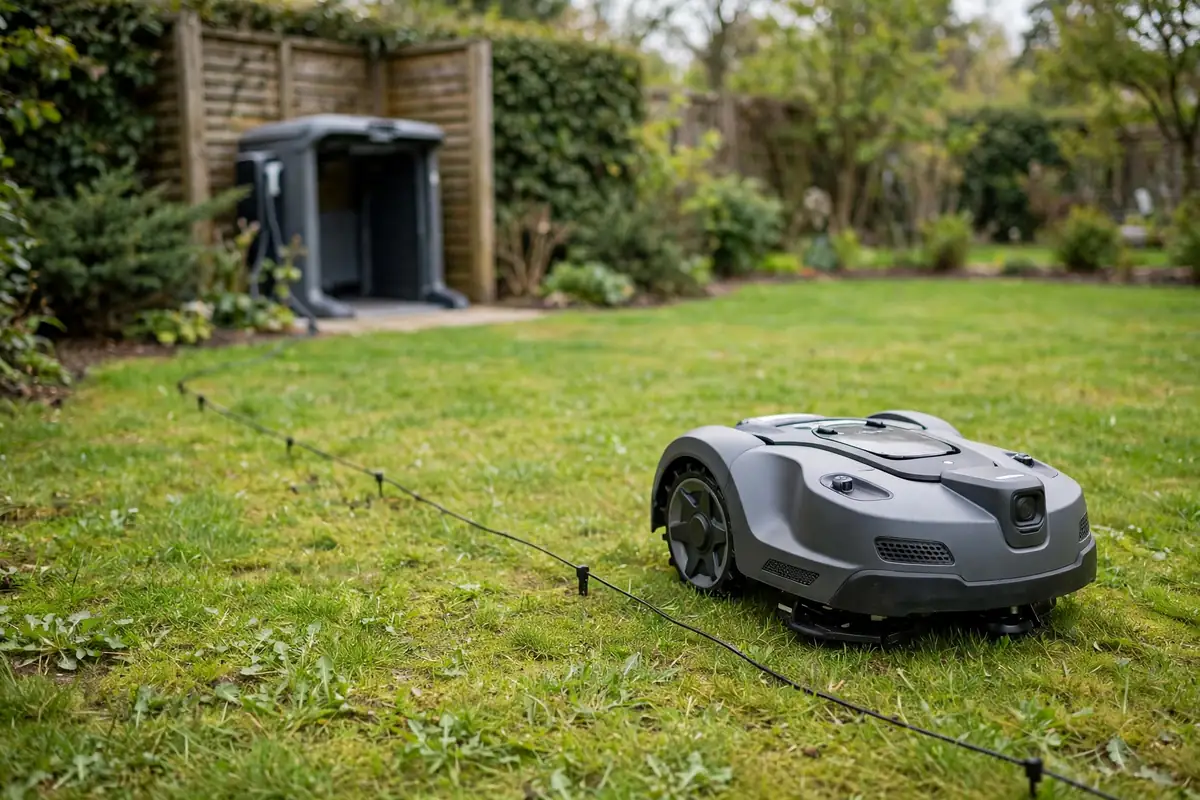
A robot mower stops during mowing for many reasons, and only some mean something is wrong. Often it is following its schedule, returning to charge, or pausing for rain. At other times, a dirty sensor, a weak battery, a boundary problem, or overheating interrupts the cut. Watch what the mower does next, check the app or display, and work through the likely causes in order.
The pattern is your best clue. If your robotic mower keeps stopping in the same place, at the same time of day, or with the same message, that repetition points to the cause.
Not Every Stop Is a Fault
Most mowers work in sessions: they mow for a while, return to charge, and go out again if the schedule allows. A mower may also stop at the end of its scheduled window. If it is set to mow from 9 a.m. to 11 a.m., it will stop at 11 a.m. even if part of the lawn is uncut.
Rain can cause a pause, too. Some models stop when rain is detected and wait until the sensor and grass dry out. Brief hesitations while the mower turns or moves between zones are also normal, and are often mistaken for a robot mower pause problem. A short pause while it recalculates is not the same as a long stop, a repeated stop in one spot, or a stop with an alert.
Why a Robot Mower Stops During Mowing: The Most Common Reasons
| What you see | Most likely cause | First thing to check |
|---|---|---|
| Returns to its station mid-cut | Low battery or end of a session | Battery level and schedule |
| Stops at the same time every day | Schedule or timer has ended | Mowing schedule in the app |
| Stops after rain | Rain sensor or rain delay | Rain sensor and delay setting |
| Stops near an edge | Boundary or navigation problem | Boundary wire and signal |
| Stops in front of an object | Obstacle detection or a blocked path | Toys, branches, hoses, and furniture |
| Stops and shows an error | Sensor, lift, tilt, or wheel problem | Display or app message |
| Stops on a hot day | Heat protection or a hot battery | Shade, temperature, and ventilation |
| Stops and will not restart | Battery, power, or charging problem | Station, contacts, and power supply |
Use the table as a starting point, not a final answer. Confirm the cause with the message on the display or in the app, and with what you can see in the garden.
Scheduled Pauses and Charging Returns
A charging return is the most common reason for robot mower interrupted mowing, and the easiest to misread. Many models return at a set battery level, with enough power to reach the station. If the battery is low and the mower is heading to, or sitting on, its station, let it charge and see whether it goes out again later.
Also check the schedule. A short daily window, a midday break, or a day when mowing is switched off can all look like an interruption. If the stop lines up with the end of a session, extend the window or add a session if your manual allows it.
Boundary and Navigation Interruptions
A mower that stops near the lawn edge, in a narrow passage, or in the same corner every time may have a navigation problem rather than a power problem. For boundary-wire models, a damaged, loose, or poorly placed wire can interrupt the signal the mower follows. Look for recent digging, edging, or animal damage, and check connectors.
For wire-free models using GPS or cameras, a weak signal or a changed garden can cause a stop. Tall hedges, new fences, dense tree cover, and buildings can block the signal in part of the garden. If the mower stops in the same shaded spot, check the signal strength in the app if your model shows it.
Obstacles, Lift, and Tilt Stops
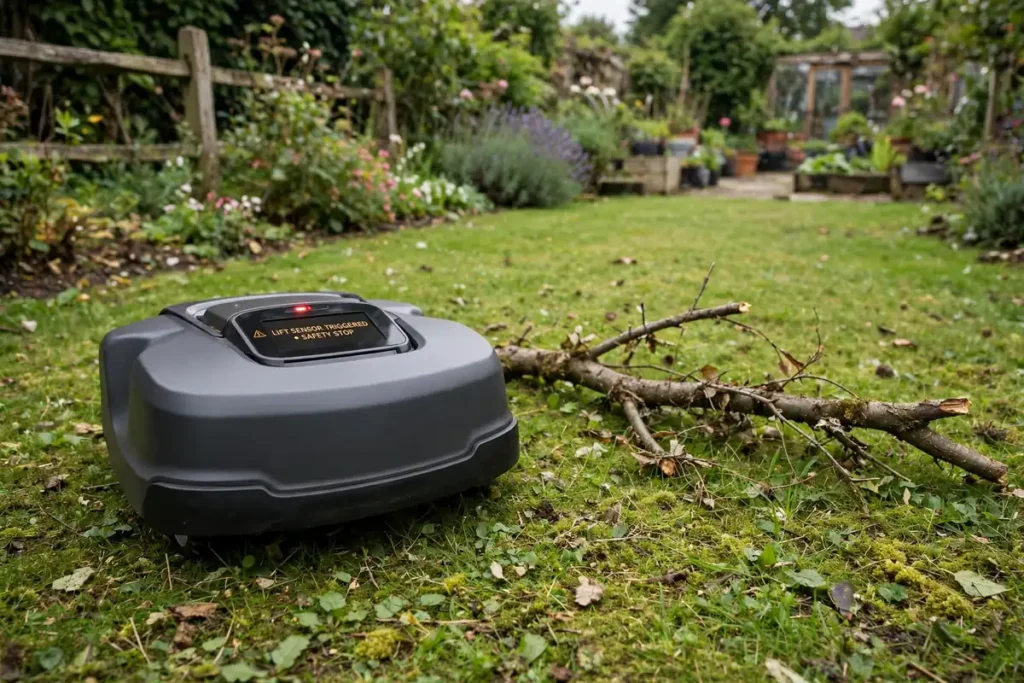
Robot mowers are designed to stop when they hit something they cannot pass, when they are lifted, or when they tilt too far. That is a safety feature, not a fault, and you should not try to bypass it. Common obstacles include garden hoses, toys, shoes, fallen branches, pine cones, stones, and low-hanging branches.
Walk the area and look at ground level: what looks clear from standing height can block a mower. If the mower shows a lift or tilt warning, check whether it is stuck on a root, kerb, or uneven patch. Before touching the mower, switch it off and disconnect it according to its manual. Keep your hands away from the blades, even when the mower is stopped.
A Robot Mower Sensor Issue: What to Look For
Sensors are a common cause of repeated, unexplained stops, and one of the easiest to fix. A robot mower sensor issue often starts gradually: the mower stops more often, hesitates where it used to pass, or reports an obstacle when nothing is there. Start with cleaning: grass, mud, pollen, and cobwebs can cover bump sensors, cameras, and rain sensors.
Wipe them gently with a soft, dry or slightly damp cloth, following your manual. Do not use a pressure washer or harsh chemicals, and do not poke at a sensor with a sharp tool. Next, check for damage: a cracked sensor cover, a bumper that does not spring back, or a scratched camera lens can all cause false readings. Do not cover, tape over, or disable a sensor to keep the mower running.
Battery Interruptions and Power Problems
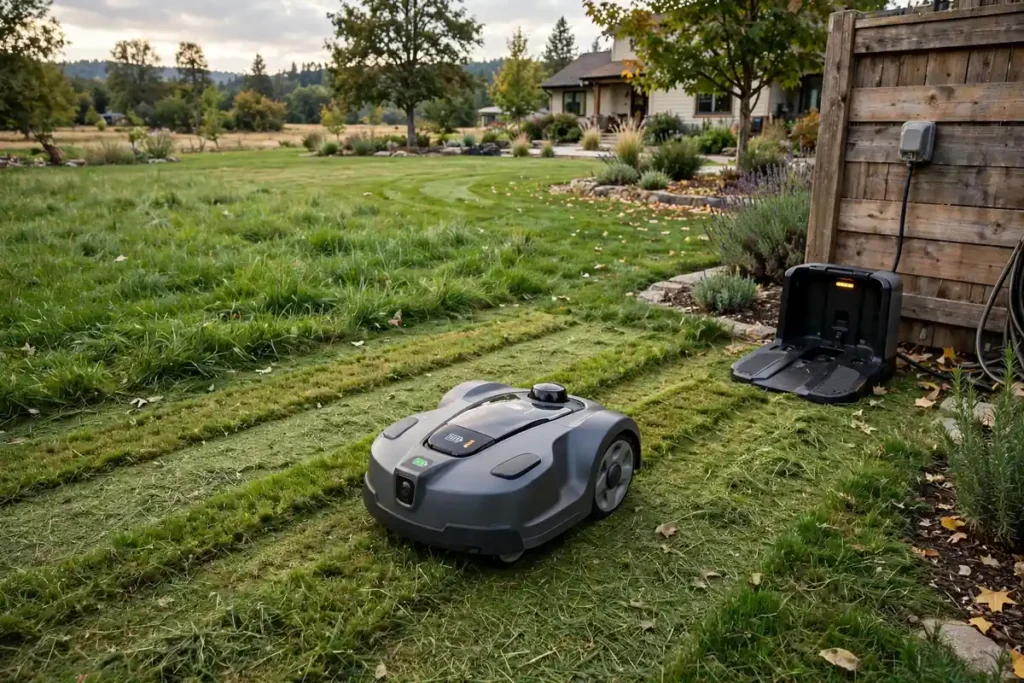
A robot mower battery interruption can look like a sensor or navigation problem, so check the power side carefully. First, check the charging station: is it switched on, with the power supply plugged in firmly? Is it level, clean, and free of leaves and grass? Dirty or corroded charging contacts can stop charging even when the mower docks correctly.
Second, look at the battery itself. An older battery may charge to full but run for a much shorter time than it used to. A battery that gets very hot, swells, or smells unusual should not be used. Switch the mower off, disconnect it if your manual tells you to, and contact the dealer or manufacturer. Do not open a sealed battery pack or try to repair it yourself.
Heat, Weather, and Overgrown Grass
Temperature and grass conditions can stop an otherwise healthy mower. On a hot day, a mower in full sun can overheat, especially if the grass is thick or the vents are blocked with clippings. Let the mower cool in the shade, clean the vents and underside, and try mowing earlier or later in the day.
Wet grass is another common cause. After heavy rain, grass is heavier, stickier, and harder to cut. Overgrown grass can also stop a mower, particularly at the start of the season or after a holiday. Cut it down in stages with a conventional mower first, then let the robot take over.
A Step-by-Step Decision Process
Work through these steps in order. The aim is to separate a normal pause from a real problem.
Step 1: Watch and wait for a minute. Does it resume, try another route, or return to its station?
Step 2: Check the display and the app. Look for a message or status such as charging, paused, rain delay, or an error code.
Step 3: Check the time and the schedule. Did it stop at the end of a scheduled window, or in rain? Is the battery low?
Step 4: Look at where it stopped. Is it in the same place every time — near a boundary, slope, root, or object?
Step 5: Inspect the mower safely. Switch it off as its manual directs, then check wheels, blades, and sensors.
Step 6: Restart once, in a clear area. Restart in an open area and watch it.
Step 7: Change one thing at a time. Change one thing at a time: schedule, boundary, sensor, or obstacle.
Step 8: Contact support with the details. If it stops repeatedly, shows the same error, or will not charge, contact the dealer with the model and error message.
When to Stop Troubleshooting and Get Help
Most stops can be sorted out with cleaning, a schedule check, or clearing the garden. Get professional help if the mower will not charge, the battery is swollen, hot, or damaged, a sensor or bumper is cracked, or the same error returns after cleaning. Also seek help if the mower stops with a safety warning, such as a lift or blade error, that you cannot clear safely.
Do not open the mower housing, bypass a safety switch, or replace internal parts unless your manual explicitly tells you to. Note when the problem started, how often it happens, and what messages appear.
Conclusion
A robot mower that stops during mowing is not always broken, and treating every stop as a malfunction can waste time and lead to unnecessary repairs. Start by checking whether the stop is scheduled, weather-related, or a charging return. Then look at where it stopped, what the display or app says, and whether the same pattern repeats. Clean the sensors, wheels, and contacts, clear obstacles, and check the boundary. If it keeps returning, note the time, place, and message before seeking help.
Frequently Asked Questions
Why does my robot mower keep stopping and starting?
A robotic mower keeps stopping and starting when it pauses for obstacles, boundaries, navigation, charging, or a scheduled break. Short pauses while it turns or recalculates are normal. Frequent stops in one place point to a dirty sensor, an obstacle, or thick grass.
Why does my robot mower stop and return to its charging station?
It usually returns because the battery is low, a session has ended, or it needs to recharge. Check the battery level and the schedule in the app.
Why does my robot mower stop in the same place every time?
A stop in the same place usually points to something there: a boundary wire problem, a GPS blind spot, a slope, a root, or an object it cannot pass. Walk the area at mower height, check the boundary and signal, and look for changes since the lawn was mapped.
How do I know if a sensor is causing the problem?
A robot mower sensor issue often shows as stops with no visible obstacle, false warnings, or a named sensor error. Clean the sensors gently with a soft cloth, and check for a cracked cover or a bumper that does not spring back.
Why does my robot mower stop on hot days?
Heat can trigger a safety pause, especially in full sun, thick grass, or when vents are blocked. Let the mower cool in the shade, clean the vents and underside, and try mowing earlier or later in the day. A very hot or swollen battery needs professional advice.
What should I do if my robot mower stops and shows an error I do not recognise?
Write down the exact message or code, and note where and when the mower stopped. Switch the mower off and disconnect it according to its manual before any inspection.